General Functions
7016D & 7024D User Guide | General Functions 11
Parking a Call
1. Whilst connected to an external party press the
button, dial a Park Location (601-619) or press a
flexible button labelled as Park and hang up.
2. Once you have parked the caller you can contact
another party to inform them that they have a caller
waiting. Alternatively, make a page (See page 18 later
in the user guide for information on paging).
Retrieving a Parked Call
1. If retrieving a call that you have parked, dial the
relevant digits for the parking bay used (601-619)
2. If responding to a page, dial the relevant digits (601-
619) from the nearest available telephone.
NOTE: Calls will recall to the original station after a pre-
set timer if a call is left parked. In this circumstance the
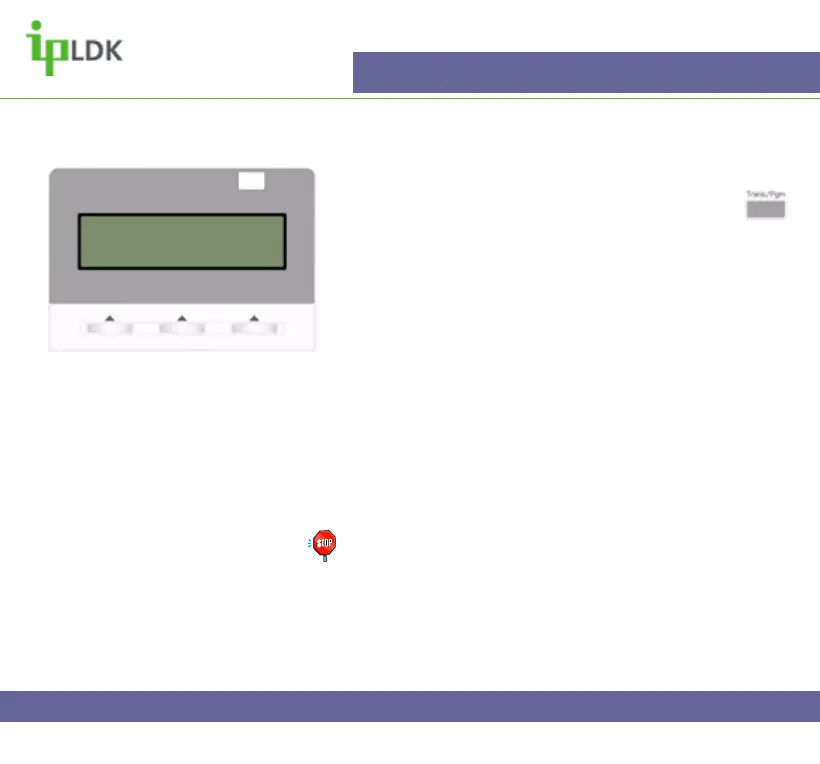
screen of your 7016D/7024D Digital Handset will appear
as in Fig.7
Fig.7
LINE 05 RECALLING
16 NOV 04 10:02 am
DND



 To Next Page