Authorisation Code/Mobile Extension
7016D & 7024D User Guide | Authorisation Code/Mobile Extension 48
Auth Code Register
You can register a valid authorisation code with this option. A
valid authorisation code is required for many features that you
may wish to access.
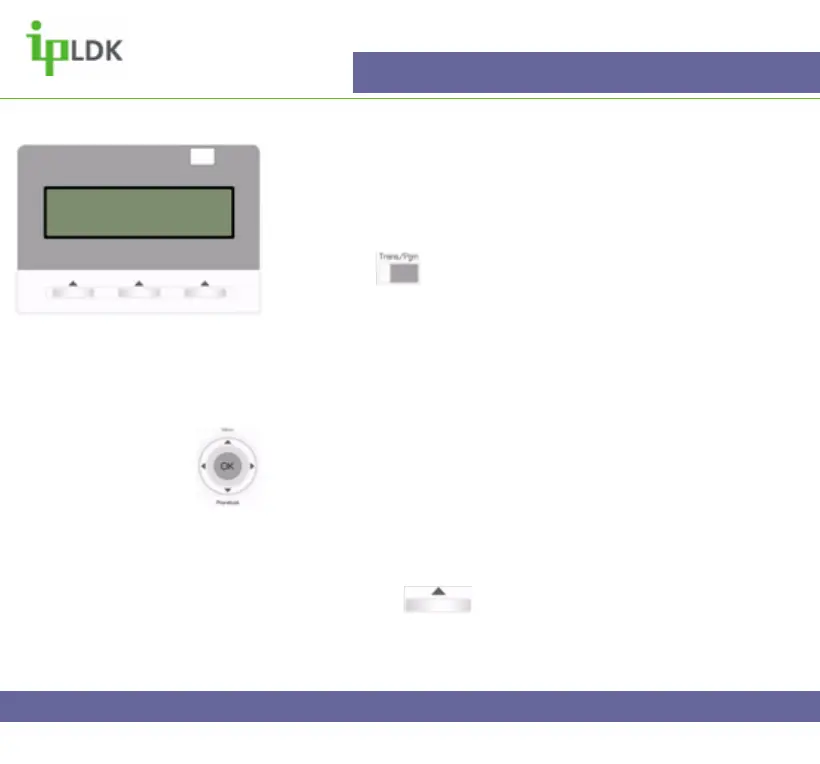
1. Press the button and select option [3] AUTH/MOBILE-
EXT followed by option [1] AUTH REGISTER. (Your screen
should look as per Fig.40)
2. Enter a 5 digit authorisation code and press the OK button.
Navigation Button Alternative:
1. Select MENU option by pressing S
2. Press OK to select option 1 – BASIC PROGRAM.
3. Use T to scroll down to option 4 and press OK to select
PASSWORD REGISTER.
4. Press OK and enter your 5 digit code.
5. Press OK or under OK on screen to update the
changes.
Fig.40
ENTER PASSWORD:



 To Next Page