General Functions
7016D & 7024D User Guide | General Functions 16
Call Pickup (Directed)
1. Press under PICKUP or dial 7 followed by
the extension number of the station that is ringing
2. You will then be connected to the calling party.
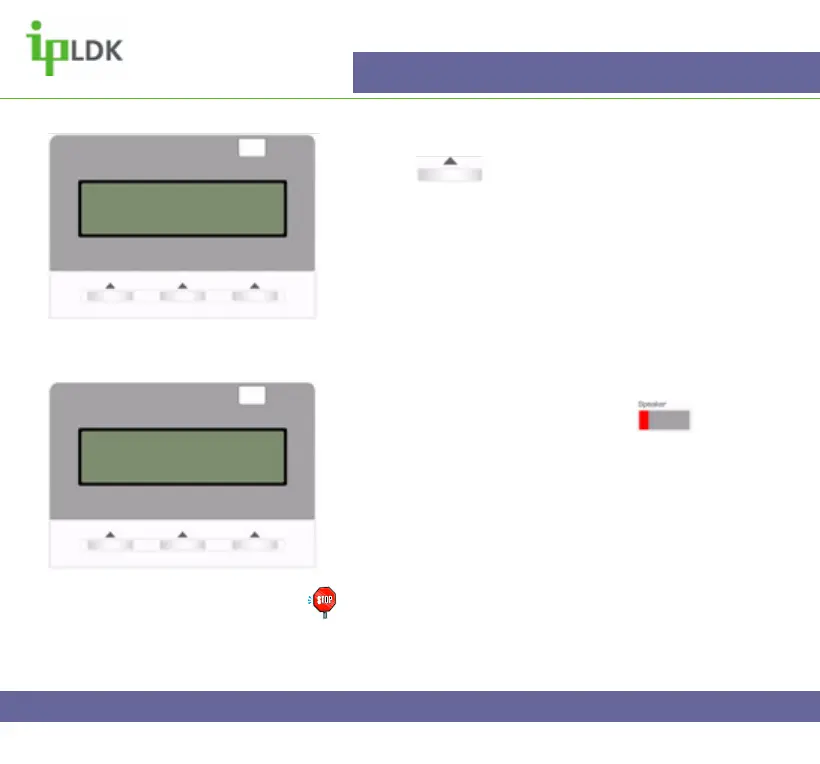
3. Fig.13 shows that the display of your 7016D/24D
Digital Telephone will display the number of the calling
party and the station that the call was originally
intended for
Call Pickup (Group)
1. Pick up your handset or press the button
2. Dial 566.
3. You will be connected to the caller
4. Fig.14 shows what you will see on the display of
your 7016D/24D Digital Telephone
Note: You must be part of a Pickup Group to use this
feature and it must be set up by you system
administrator
Fig.13
CALL TO STA 100
FROM 101 12:32 pm
TRANS CONF MUTE
Fig.14
CALL TO 100 PICKED UP
101 00:00:45
TRANS CONF MUTE



 To Next Page