General Functions
7016D & 7024D User Guide | General Functions 21
Conference Call
It is possible whilst on a call to set up a conference
consisting of up to 6 parties.
1. Press under CONFERENCE.
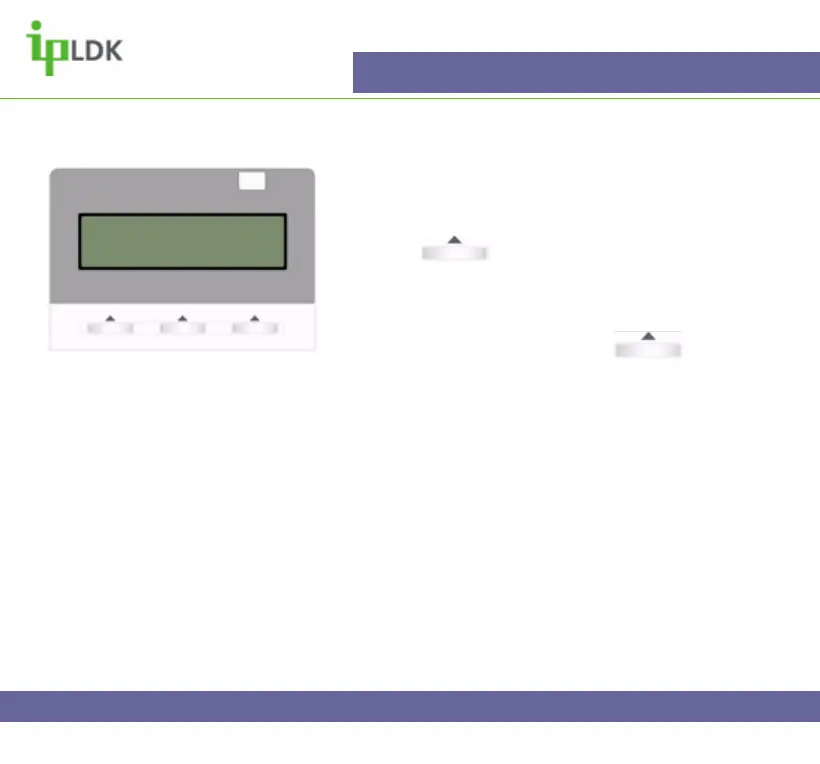
2. Your display will look as in Fig.22
3. Dial another extension or external number.
4. When the party answers press under
CONFERENCE button once to enable you to add
another party or twice to set up the conference and
allow all parties to converse.
Fig.22
CONFERENCE
22 NOV 04 11:23 am
FWD CONF REDIAL>



 To Next Page