General Functions
7016D & 7024D User Guide | General Functions 15
Call Wait (Camp On)
1. Dial an internal number
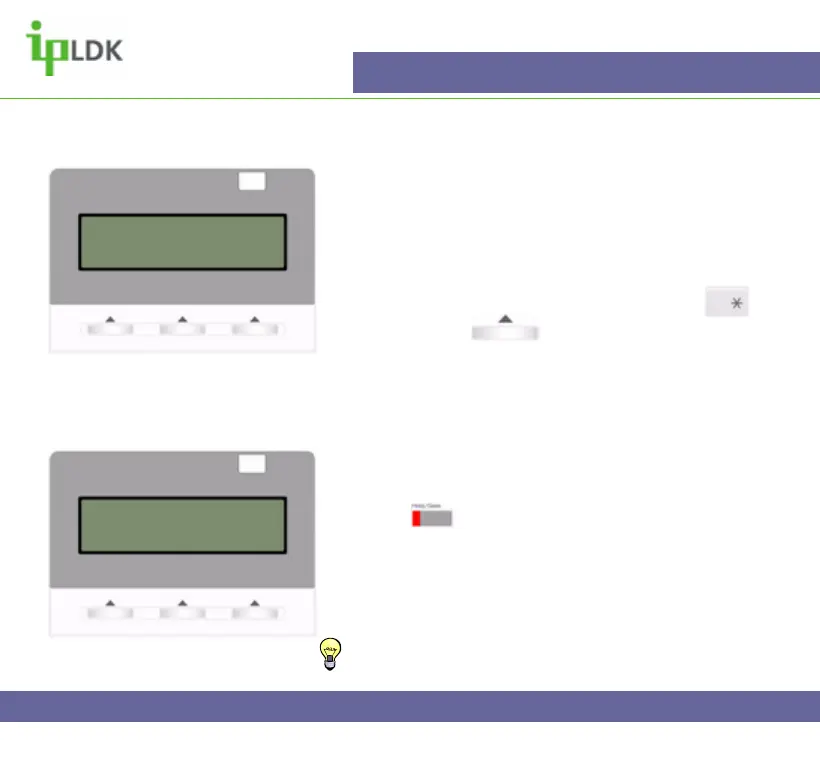
2. Get busy notification (Fig.11 shows what you will
see in the display of your 7016/24D digital telephone).
3. From the on-screen instructions press the
button or press under CAMP-ON.
4. If the called party answers you can speak with them
or simply transfer a call to them.
Answer a Call Wait (Camp On)
1. After hearing Call Wait (Camp On) tone press the
flashing button. (Fig.12 shows the screen)
2. Your existing caller is placed on hold.
3. When you have finished speaking you will return to
the original caller when the second caller hangs up
TIP: It is possible to assign a flexible button as CAMP
ON. See Page 56 for Flexible Key programming codes.
Fig.12
Fig.11
BUSY : ANDY
[CALLBK] CAMP(*) STEP
MSG CAMP-ON FLASH
CAMP-ON BY ANDY
16 NOV 04 10:02 am
TRANS CONF MUTE



 To Next Page