COS – Class Of Service
7016D & 7024D User Guide | Class Of Service 46
Walking COS
This option allows another user to override a COS that is
applied to you extension. You may only be allowed to dial local
and national where as they may be able to dial international
numbers.
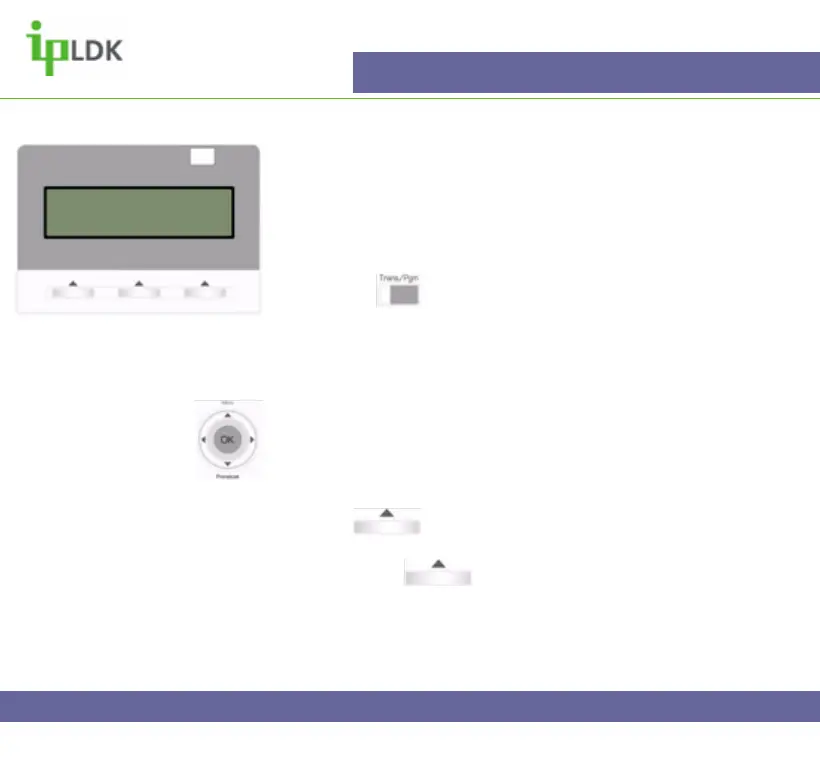
1. Press the button and select option [2] COS followed by
option [3] WALKING COS. (Your screen should look as per
Fig.39)
2. Enter a valid authorisation code and press the OK button.
Navigation Button Alternative:
1. Select MENU option by pressing S
2. Press OK to select option 2 – ADVANCED PROGRAM.
3. Use T to scroll down to option 3 and press OK to select.
4. Press under NEXT on the screen to select
WALKING COS MODE.
5. Press OK or under OK on screen to update the
changes.
COS Change
Reserved for future development.
Fig.39
ENTER COS OVERRIDE CODE



 To Next Page