General Functions
7016D & 7024D User Guide | General Functions 18
Using Speed Dial Numbers
1. Press the button twice
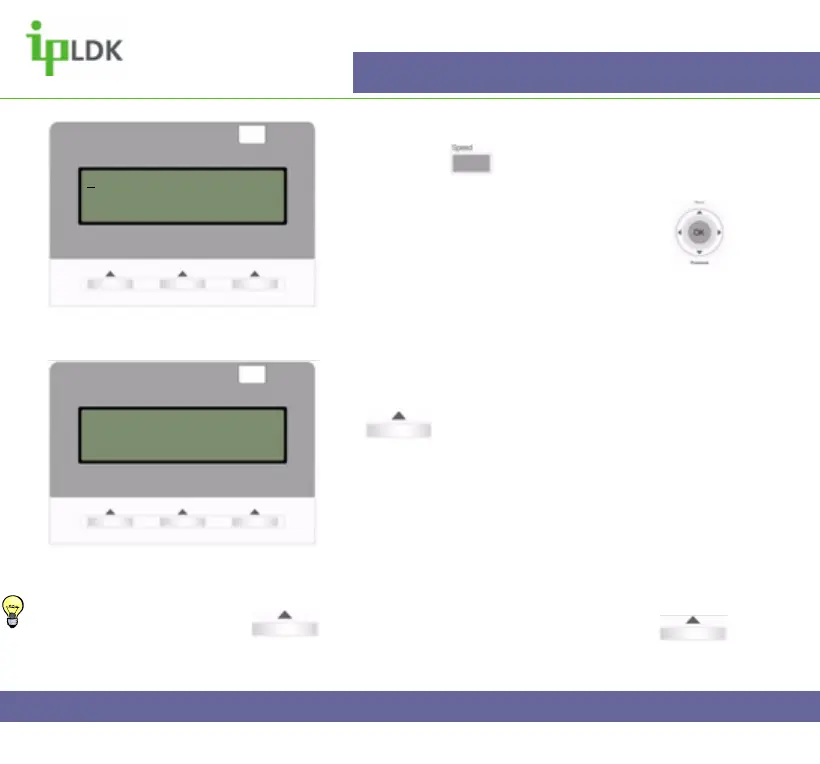
2. Your display will appear as in Fig.17
3. Select the option you require by using :
1. DIAL BY ICM NAME
2. DIAL BY STA SPD NAME
3. DIAL BY SYS SPD NAME
4. Use the UP/DOWN arrow to select the desired
option then press the OK part of the Navigation Button
or under OK
5.After you have made your selection such as DIAL
BY ICM NAME your display will appear as in Fig.18
6. Use the button show in point 3 above to scroll
through the list of available numbers. A cursor ‘_’ will
highlight the current selected choice.
7. When you have found the number you want press
the OK part of the Navigation Button or
under SEND.
Fig.17
1.DIAL BY ICM NAME
2.DIAL BY STA SPD NAME
OK
Fig.18
1:ANDY (101)
2:CRAIG (102)
BACK SEND
Tip: To go back a step press
under BACK



 To Next Page