User Programming
7016D & 7024D User Guide | User Programming 29
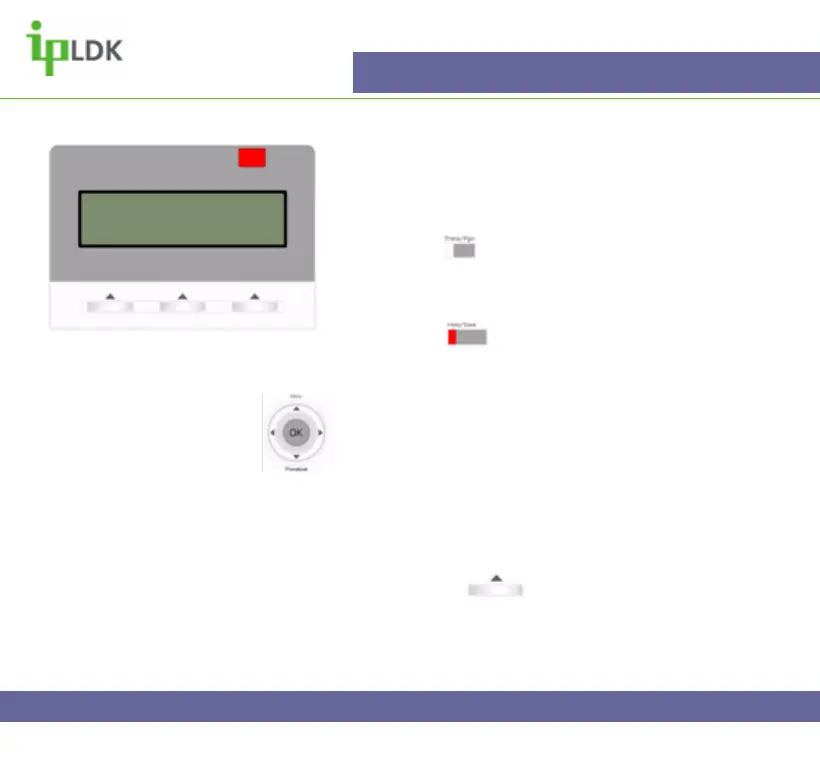
Saving your name to your phone
This enables colleagues to identify you by your name
instead of you extension number (Fig.28). You can
store you name in one of two ways:
1.Press the button and dial 74.
2. You will then be prompted to enter your name. (See
the character entry chart on page 27).
3. Press the button to save your name to the
system memory
Navigation Button Alternative:
1. Select MENU option by pressing
2. Press OK to select option 1 – BASIC PROGRAM.
3. Press OK to select option 1 – STATION NAME
PROGRAM
4. Enter your name as per the Character Entry Chart.
5. Press OK or under OK on screen to update
the changes.
Fig.28
CALL FROM ANDY
22 NOV 04 11:34 am
DND



 To Next Page