General Functions
7016D & 7024D User Guide | General Functions 17
Transfer (Screened)
1. Whilst connected to a caller press the button
or under TRANS.
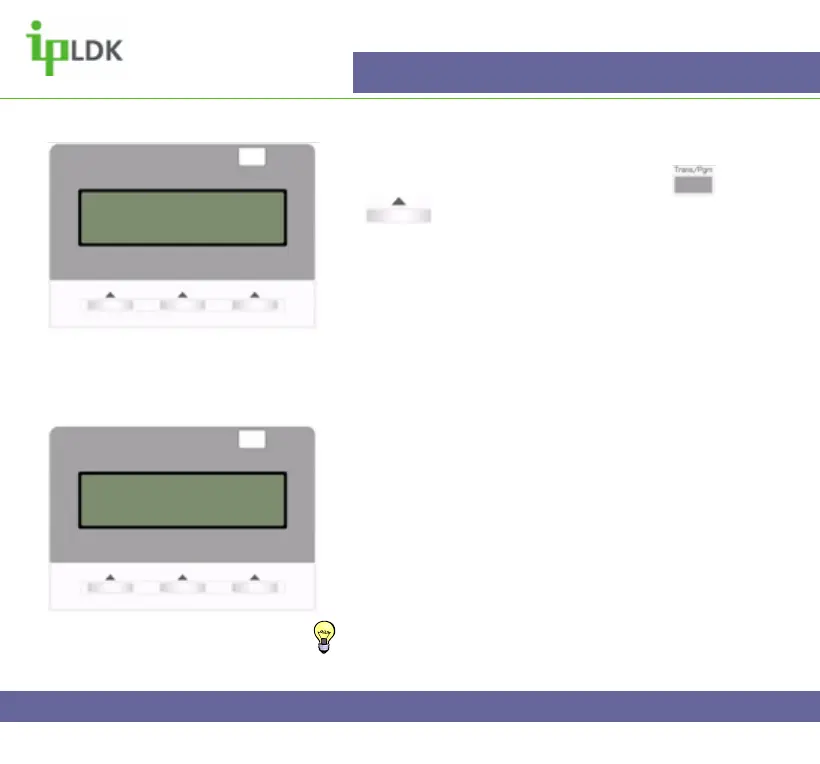
2. If you are transferring an internal call your display
will look as in Fig.15
3. Dial the appropriate extension number or press a
flexible button that has been assigned with a station
number
4. Wait for the called party to answer, announce the
call and Hang Up
Transfer (Unscreened)
1. Repeat steps 1 to 3 as described above
2. Hang up without announcing the call
3. Calls will ‘recall’ to your station after a pre-set timer
for both types of transfer. See Fig.16
TIP: Pre-set timer can be determined by a system
administrator. By default this timer will be 30 secs
Fig.15
HOLDING : ANDY
22 NOV 04 12:32 pm
TRANS
Fig.16
CALL TO 100 PICKED UP
101 00:00:45
TRANS CONF MUTE



 To Next Page