General Functions
7016D & 7024D User Guide | General Functions 22
Last Number Redial/Redial
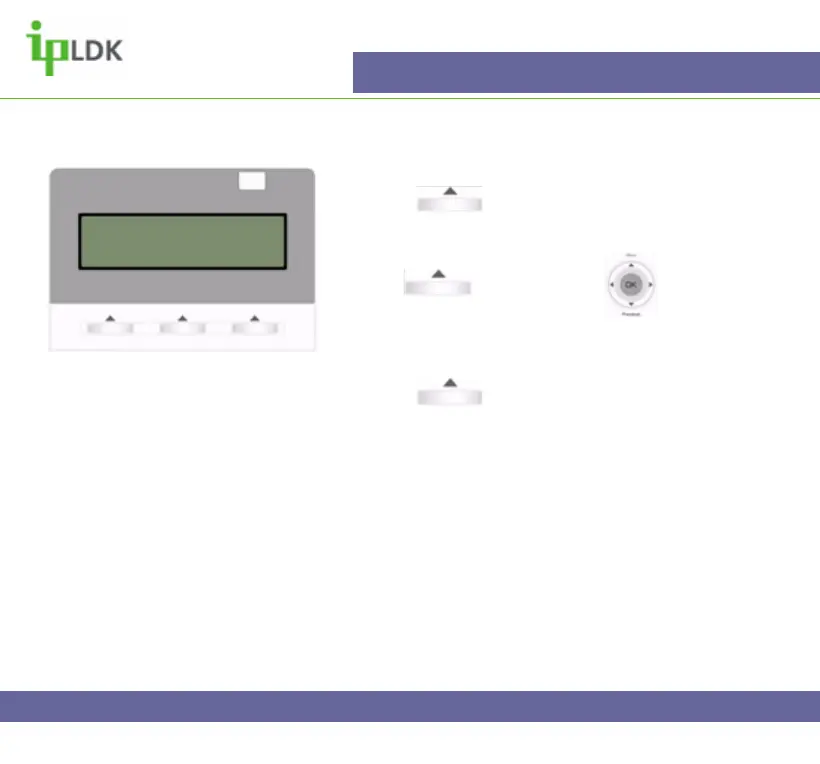
1. Press under REDIAL.
a) The display of you 7016D/24D Digital Handset
will appear as in Fig.23
2. Use under NEXT or to find the
number you require.
3. The first in the list is the last dialled number. The list
contains the last 10 previously dialled numbers.
4. Press under SEND or OK and the number
you selected will be dialled.
Fig.23
>01234876543
01432567890
BACK NEXT SEND



 To Next Page