Ring
7016D & 7024D User Guide | Ring 39
Enblock Mode
This feature allows you to dial a number as per mobile phone
functionality. If turned on you will need to dial the number and
press SEND to make a call.
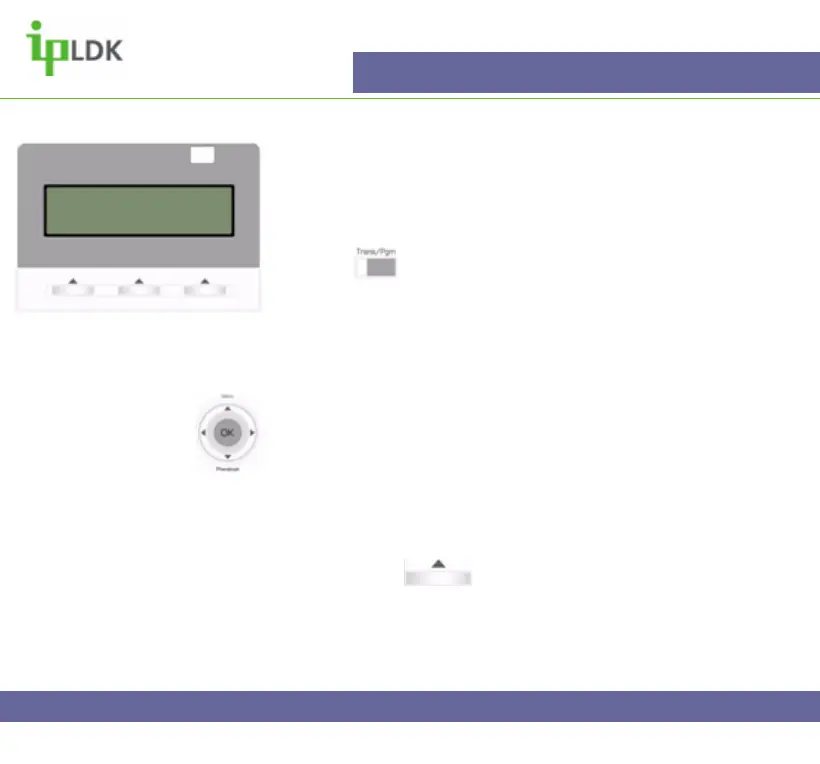
1. Press and select option [1] RING followed by option
[4] ENBLOCK MODE. Your screen will look as per Fig.32
2. Select 1 for On, 2 for Off (Your screen shows current status).
3. Press OK in the user navigation button to save the change.
Navigation Button Alternative:
1. Select MENU option by pressing S
2. Press OK to select option 1 – BASIC PROGRAM.
3. Use T to scroll down to option 6 and press OK to select.
4. Turn the feature on or off by following the on-screen
instructions.
5. Press OK or under OK on screen to update the
changes.
SMS/Notice Display
Reserved for future development
ENBLOCK MODE
(1:ON/0:OFF) : OFF
Fig.32



 To Next Page