COS – Class Of Service
7016D & 7024D User Guide | Class Of Service 45
COS Restore
This option returns your phone to normal service, taking off the
lock applied above.
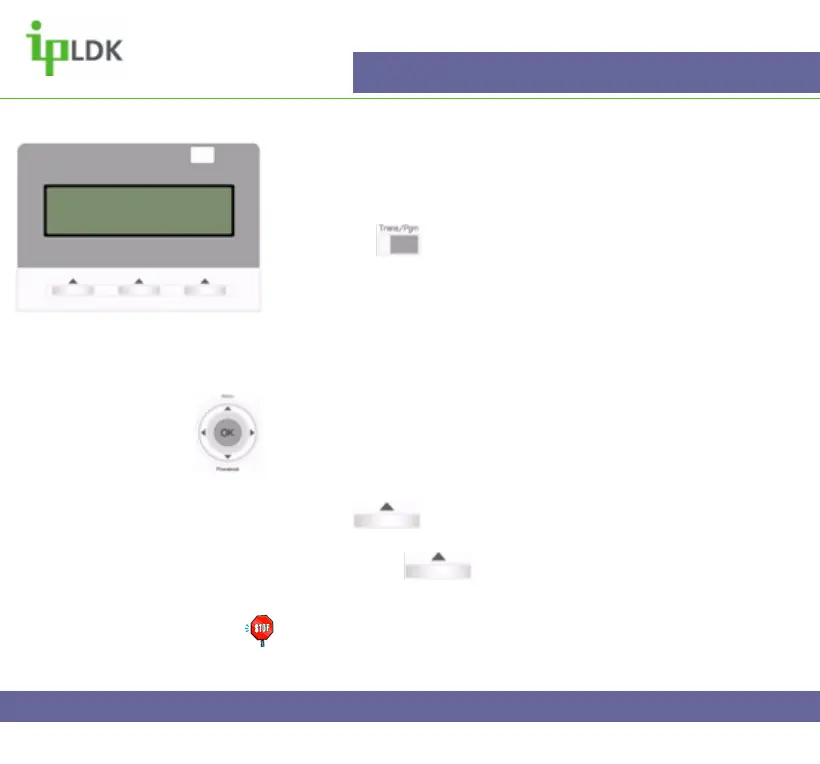
1. Press the button and select option [2] COS followed by
option [2] COS RESTORE. (Your screen should look as per
Fig.37)
2. Enter your password and the screen should change as per.
3. Press the OK button.
Navigation Button Alternative:
1. Select MENU option by pressing S
2. Press OK to select option 2 – ADVANCED PROGRAM.
3. Use T to scroll down to option 3 and press OK to select.
4. Press under NEXT on the screen to select COS
RESTORE MODE.
5. Press OK or under OK on screen to update the
changes.
Note: You will need a valid Authorisation Code to use feature.
Setting up your Authorisation Code is described on page 39 of
this user guide.
Fig.37
ENTER CURRENT PASSWORD



 To Next Page