User Programming
7016D & 7024D User Guide | User Programming 32
Storing information under a flexible button
Flexible buttons can be programmed as line,
extension, feature or speed dial buttons.
To assign a feature to a flexible button follow the
instructions below:
1. Press the button and select the button you
wish to assign.
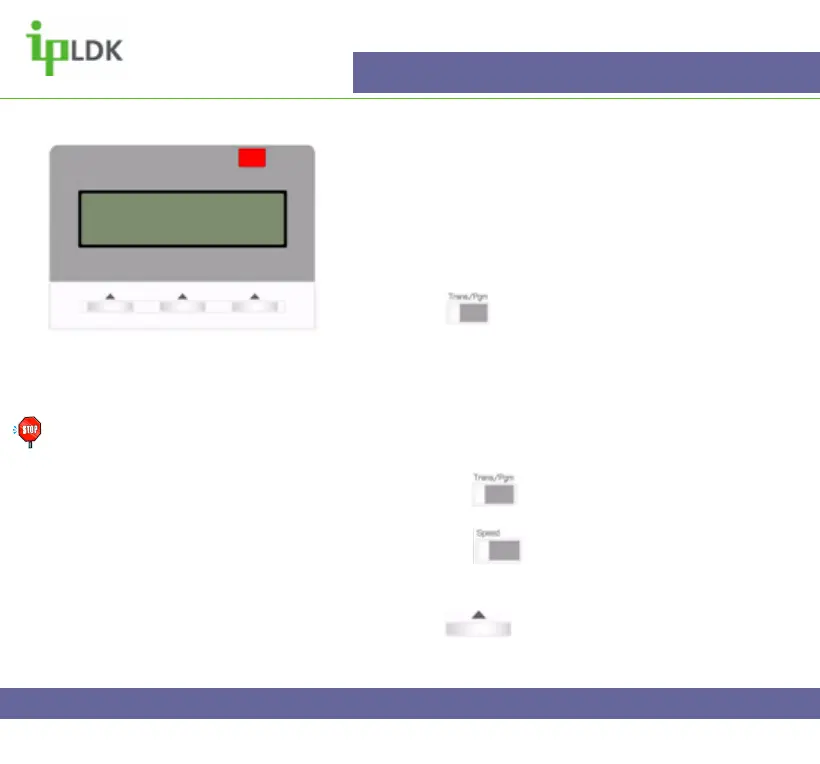
2. The display of you 7016D/24D Digital Telephone
will then display what is already programmed or if it is
empty as per Fig.29
3. You may then assign the button in on of the
following ways:
a. Press the button followed by a user
programming code
b. Press the button followed a speed dial
number.
c. Enter the relevant extension number.
d. Press under TEL NUM.
4. Press OK in the User Navigation button.
Note: Users do not have
permission to over write
a flexible key that is
assigned as a line key.
See page 56 for details of
all user programming
codes.
Fig.29
EMPTY
ENTER NEW FEATURE
TEL NUM



 To Next Page