General Functions
7016D & 7024D User Guide | General Functions 13
Call Forward
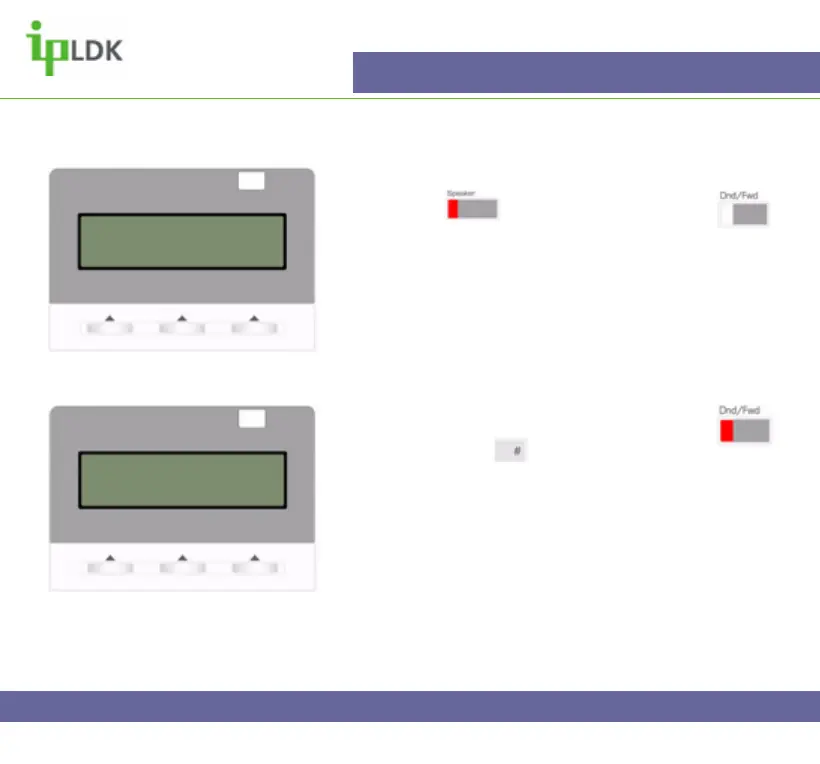
1. Press the button and then press the
button.
2. Alternatively dial 554 from your handset.
3. Select a forward option as per page 9. (Example:
Select option 4, Busy/No Answer, and your display will
look as per Fig.8)
4. Once you have selected an option such as # (As
shown in Fig.8), your display will change as per Fig.9.
5. To cancel the call forward press the flashing
button or dial 554, .
Fig.8
Fig.9
BUSY/NO ANSWER FORWARD
ENTER STA/HUNT/#(VMIB)
FORWARD TO VMIB (BN)
16 NOV 04 10:02 am
PICKUP CONF REDIAL



 To Next Page