Ring
7016D & 7024D User Guide | Ring 36
Type
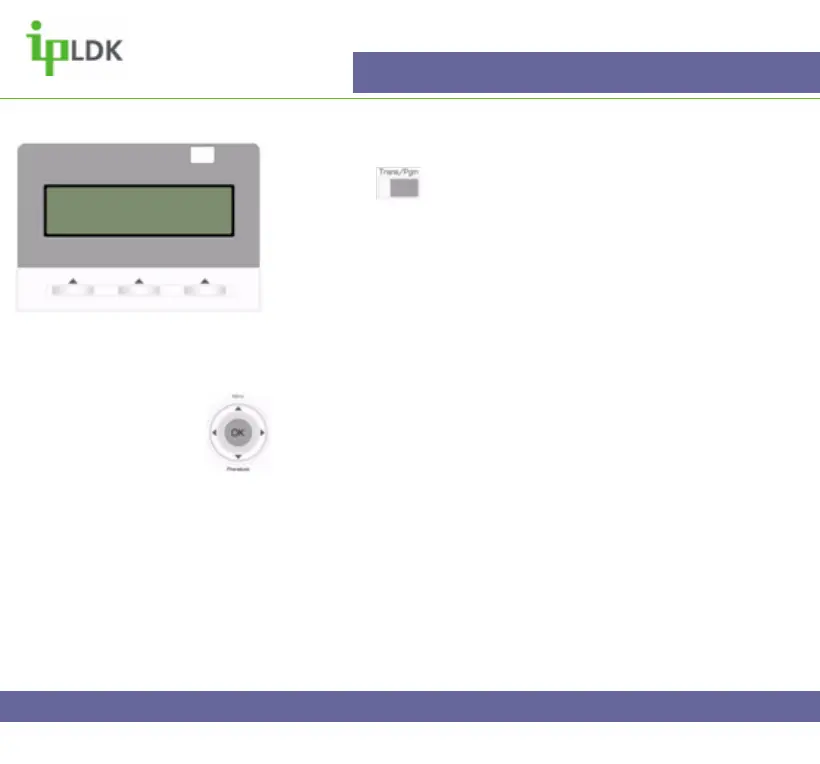
1. Press the button and select option [1] RING followed
by option [1] TYPE. (Your display should look as per Fig.30).
2. The screen shows the current active ring
3. Choose options 1-4 to change to general ring cadence for
your 7016D/24D Digital Telephone.
4. Press OK in the User Navigation button to confirm the
change.
Navigation Button Alternative:
1. Select MENU option by pressing S
2. Press OK to select option 1 – BASIC PROGRAM.
3. Press OK to select option 1 – STATION NAME PROGRAM.
4. Enter your name as per the Character Entry Chart and press
OK.
RING TONE
DIAL 1-4: 1
Fig.30



 To Next Page