Authorisation Code/Mobile Extension
7016D & 7024D User Guide | Authorisation Code/Mobile Extension 50
Register Mobile Extension
This feature allows to set your mobile or other valid telephone
number to receive DDI calls simultaneously to your desk
phone.
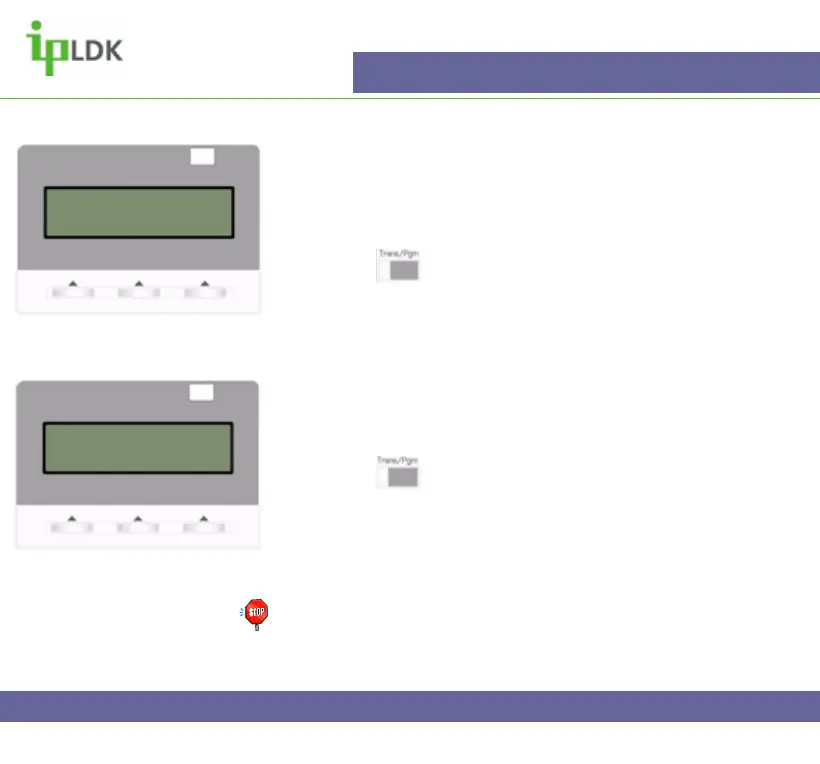
1. Press the button and select option [3] AUTH/MOBILE-
EXT followed by option [3] REG MOBILE-EXT. (Your screen
should look as per Fig.42)
2. Enter your mobile number and press the OK button.
Activate Mobile Extension
This allows you to activate the feature that you have set up
above.
1. Press the button and select option [3] AUTH/MOBILE-
EXT followed by option [4] ACTIVE MOBILE-EXT. (Your
screen should look as per Fig.43)
2. Dial 1and press the OK button.
Note: Permission to use this feature must be set up by a qualified
system administrator in order for you to access this user
programming.
Fig.42
MOBILE EXT TEL NO.
Fig.43
MOBILE EXT. USAGE
(1:ON/0:OFF : ON



 To Next Page