Wake Up Time/Conference Room
7016D & 7024D User Guide | Wake Up Time/Conference Room 52
Set Wake Up Time
With this feature you can set an alarm to ensure you do not
miss an important meeting.
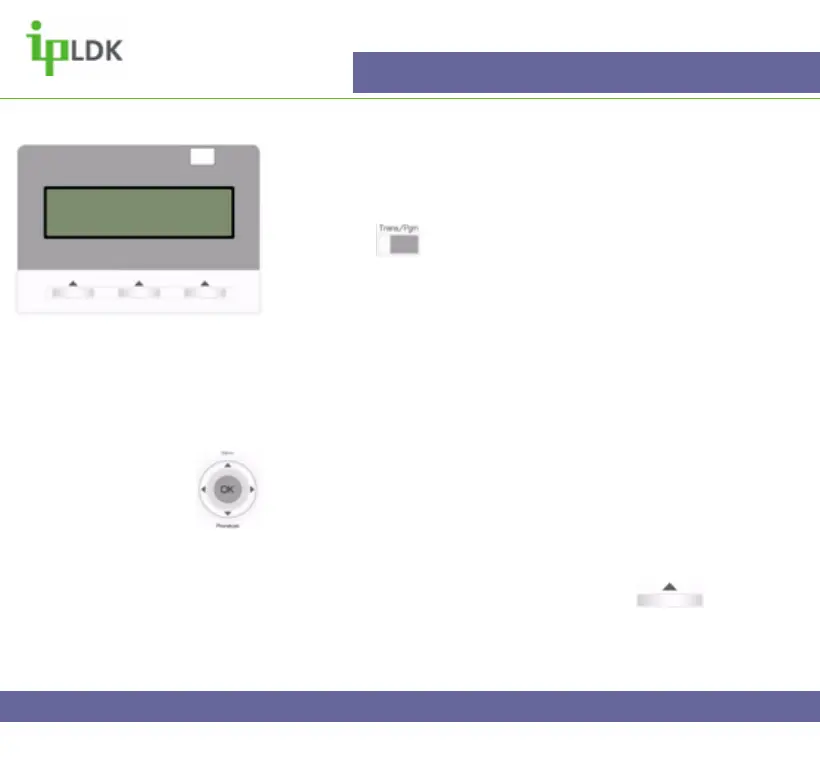
1. Press the button and select option [4] TIME/CONF
ROOM followed by option [1] SET WAKE UP TIME. (Your
screen should look as per Fig.44)
2. Enter the time that you wish the alarm to go off and press
the OK button.
3. To stop the alarm when it sounds simply go off hook and
hang up.
Navigation Button Alternative:
1. Select MENU option by pressing S
2. Press OK to select option 2 – ADVANCED PROGRAM.
3. Select option 1 and press OK to select WAKE UP
PROGRAM.
4. Enter your wake up time and press OK or under
OK on screen to update the changes.
Fig.44
ENTER YOUR WAKEUP TIME
HH:MM 16:32pm



 To Next Page