44
206-4272
Cloning Procedures (Cont.)
(Continued from previous page)
CANCEL
STB MANAGER
USB Download Menu
Diagnostics Menu
Ez Download
Update STB Software
Update PTC Software
Teach To STB (TLX)
Learn From STB (TLX)
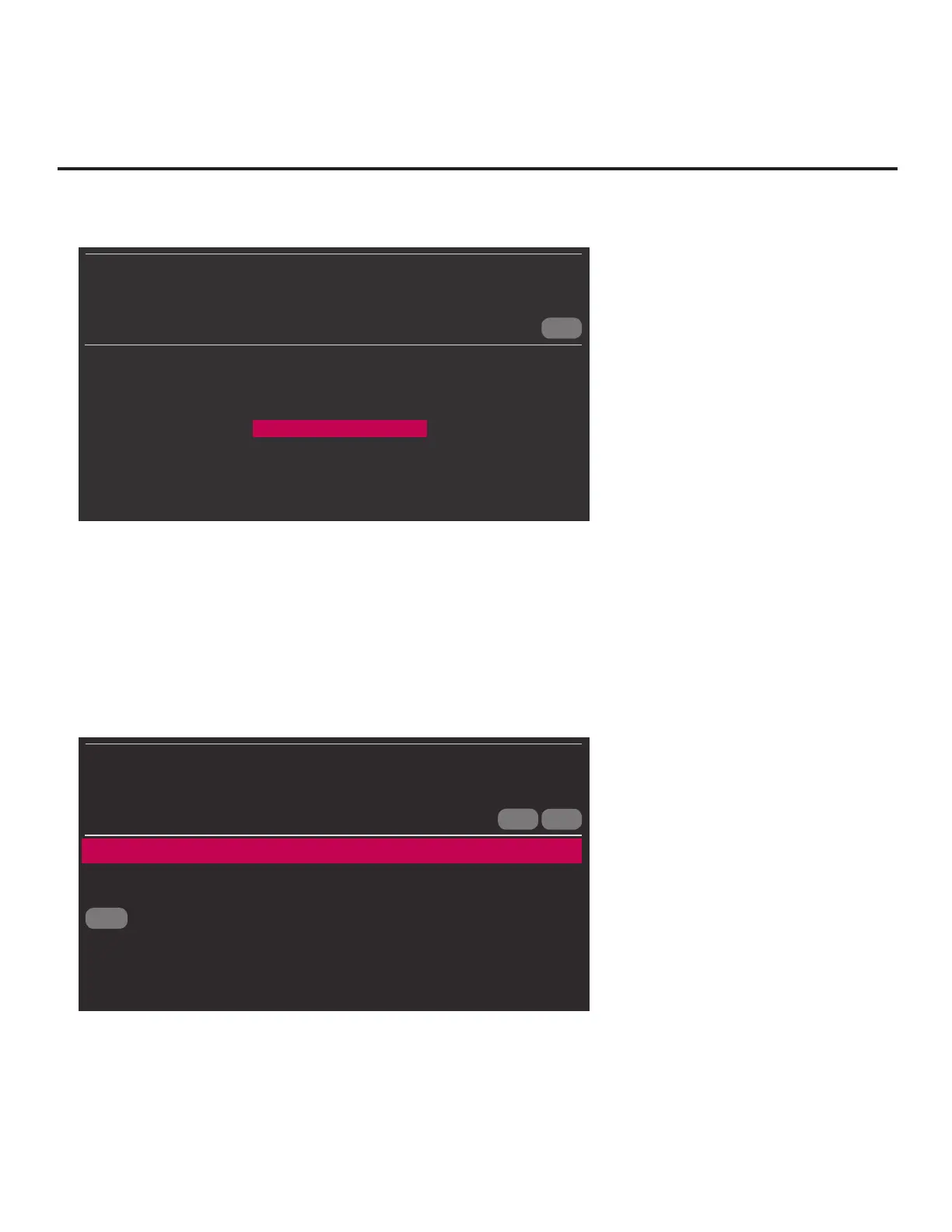
7. In the Learn From STB (TLX) screen:
• If more than one USB memory device is currently connected to the STB, be sure to select the
USB device on which you wish to save the TLX le. If necessary, use the Up/Down arrow keys
on the Installer Remote to select/highlight the Select USB Memory Device eld and press
OK. Then, use the arrow keys to select the appropriate USB device from the drop-down list.
• Next, modify the lename, as required. While the STB model element of the lename may
not be changed, you can differentiate this TLX le from others by changing the last ve digits
of the lename. Use the arrow keys on the Installer Remote to select/highlight either the left
(<) or right (>) arrow in the lename eld, and press OK until the desired number is shown.
CANCEL
BACK
OK
LEARN FROM STB (TLX)
STB MANAGER
Select USB Memory Device
ˇ
USB Device 1:
Device Name
Select the filename, and then select OK below.
STB-3000-UA00001.TLX
<
>
8. When you are ready to initiate Learning, use the arrow keys to select OK on the screen, and
then press OK on the Installer Remote.
(Continued on next page)


 To Next Page
 Loading...