24 User Manual 10H52188UM51 - Rev. 1 - 09/2011
Single UPS Installation and Commissioning Liebert NXC
Table 2-6 Parameter descriptions and default values
Parameters Notes Default value
Display contrast Adjust the LCD contrast
Date format set M/D/Y, D/M/Y and Y/M/D formats can be selected Y/M/D
Date & time Set the date and time
Comm1 baud rate Set the communication baud rate of the USB port 9600
Comm2 baud rate For internal communication only, which cannot be set 9600
Comm3 baud rate Set the communication baud rate of the SNMP card port 9600
Communication address For RS485 communication 1
Single Group Batt Cap Set the parameter according to the actual total battery capicitity 0014
Battery Cells Number Set total battery number 32
Equalize Charge Allowed Enabled or disabled Enabled
Temp Compensation Enabled or disabled Disabled
Batt Temp Sensor Position Set the position of the temperature sensor NONE
Shared Battery Each UPS in parallel system shares the battery string or not Disabled
System Configuration Set the UPS single/parallel Single
Parallel Requisite Units Set the parallel units 1
Parallel Redundant units Set the redundant units 0
ECO Mode Working in the normal mode or ECO mode Normal
Output Frequency Level Set the output frequency 50Hz
Output Voltage Level Set the output voltage level 400V
LBS Function Set the LBS function, NONE, SLAVE or MASTER can be selected NONE
Command password 12345 12345
Protocol Set the UPS communication protocol Velocity
3 Phase Output or 1 Phase Output Set the output mode: Three or Single Three
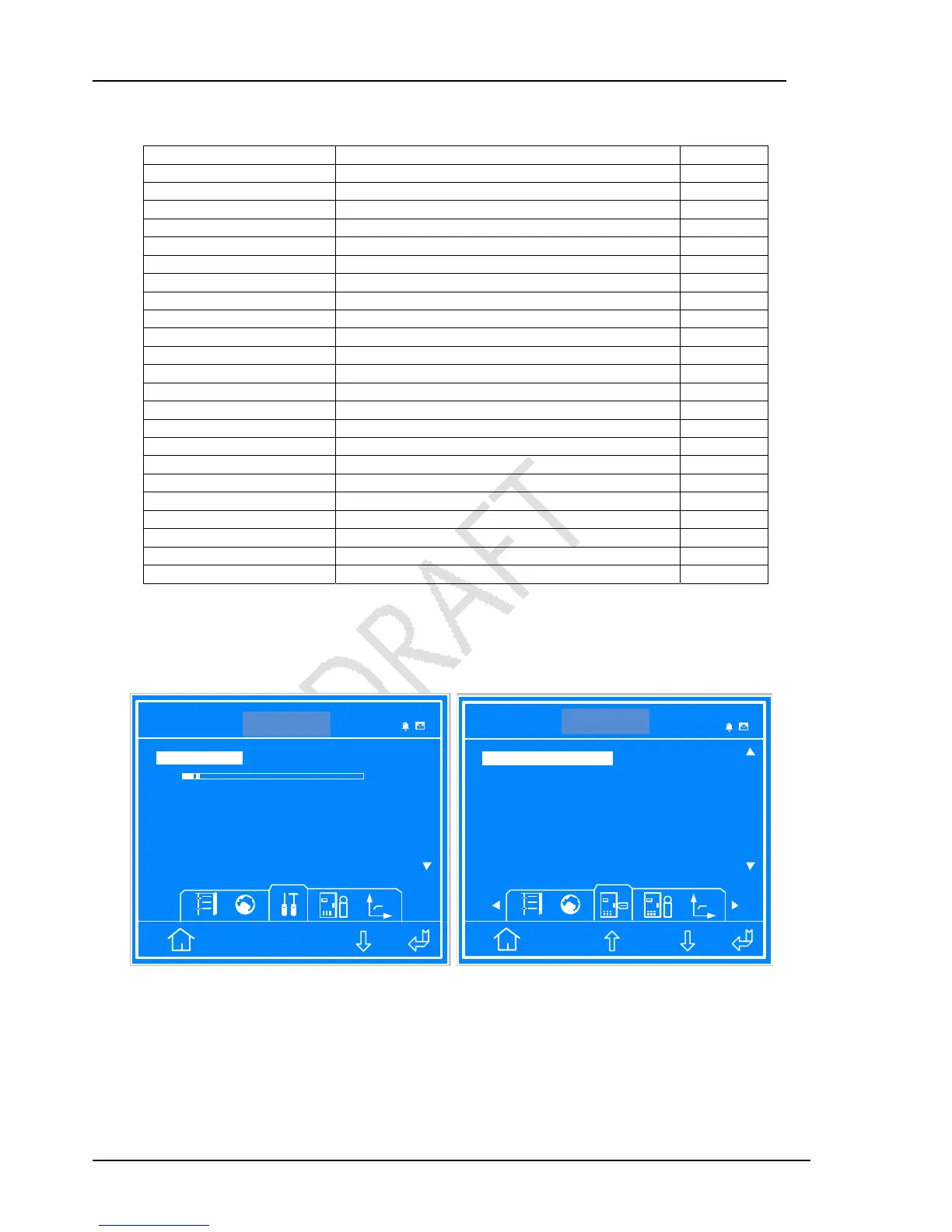
Set “Display contrast”, “Date format set” and “Date & time” according to the actual requirements. For Comm1, Comm2 and
Comm3 baud rate, 1200, 2400, 4800, 9600 or 19200 can be selected. The interfaces are shown in Figure 2-11.
ITA 016kVA
Settings
Single
Date format set Y/M/D
D/M/Y M/D/Y Y/M/D
Date & Time
2010-08-13 15:12:06
ESC
Display contrast
14:30:36
ITA 016 kVA
Settings
Single
1
Single Group Batt Cap 0014
Battery Cells Number 32
ESC
1
Communication address
0014
30 32 34 36 38 40
14:30:36
Figure 2-11 Settings interface 1
NXC 20kVA
NXC 20kVA



 To Next Page