50 User Manual 10H52188UM51 - Rev. 1 - 09/2011
Communication Liebert NXC
Chapter 6 Communication
This chapter briefly introduces the UPS communication.
The communication ports include: Intellislot cards port, dry contact port and USB port.
6.1 Installing Intellislot cards
6.1.1 Intellislot cards Port
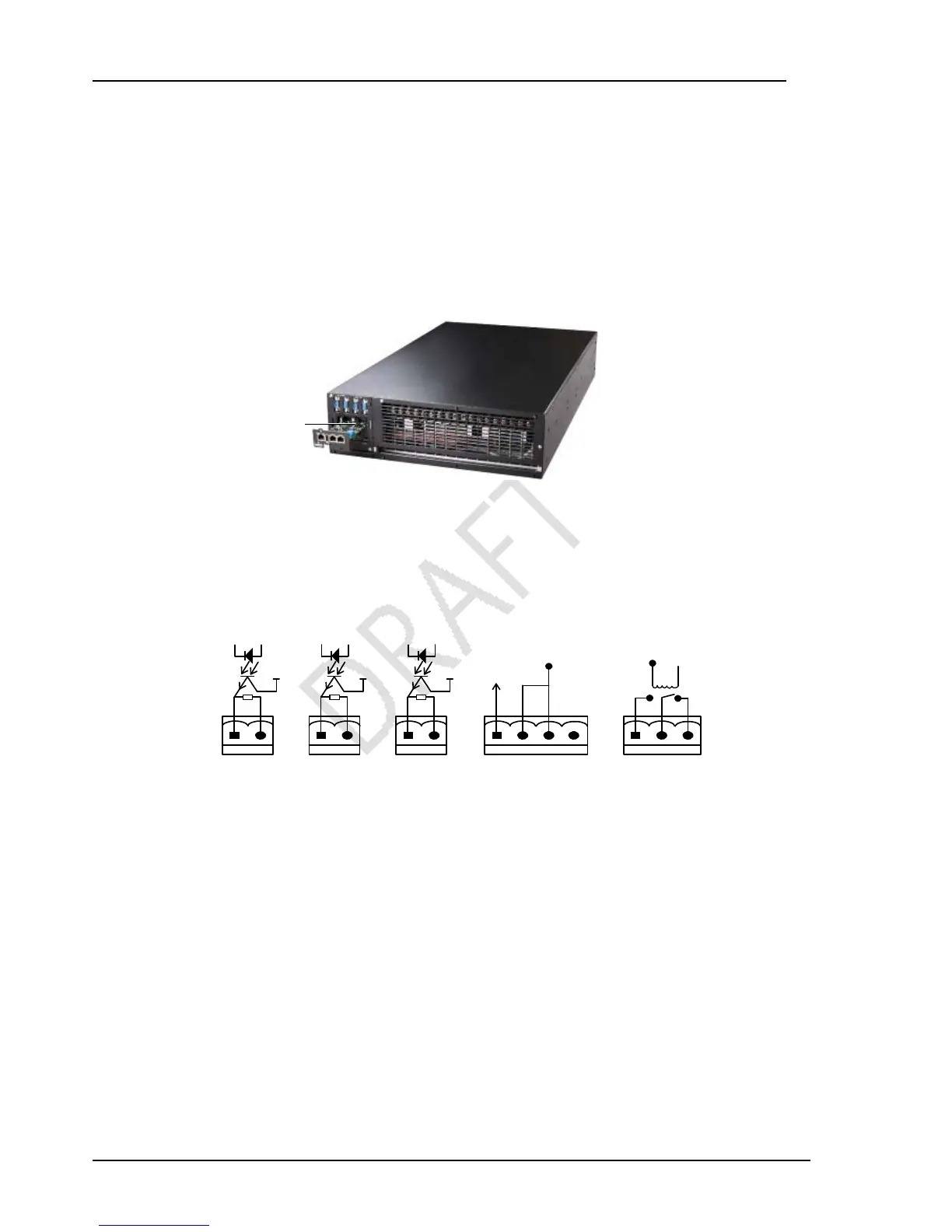
UPS provides a Intellislot cards port (see Figure 6-1), which is used to install the communication device options, including global
connectivity cards and LIFE.net adapter. The Intellislot cards port and USB port can be used at the same time.
Figure 6-1 Intellislot cards installation
Refer to UPS Extended Dry Contact Card User Manual for the installation and operation guide.
6.2 Connection Cables For Dry Contact Port
The UPS provides five dry contact ports; see Figure 1-3 for the specific positions. The silk prints of the five dry contact ports are
1, 2, 3, 4 and 5. The pin layout of each dry contact port is shown in Figure 6-2, and the port description is shown in Table 6-1.
+12V +12V +12V
SALARM
GND
On_battery
GND
On_bapass
GND
Epo_NC
+12V
+12V
Epo_IN
BFP_o
BFP_s
BFP_c
Dry contact port 1 Dry contact port 2 Dry contact port 3 Dry contact port 4 Dry contact port 5
Figure 6-2 Pin layout of dry contact ports
Intelligent card port
Dry contact port 1 Dry contact port 2 Dry contact port 3 Dry contact port 4
Dry contact port 5
SALARM
GND
On_batter



 To Next Page