USER MANUAL – FLEXSTEP V2 – US VERSION 08.02
Liftup North America, Inc. | 5626 56th Commerce Park Blvd | Tampa, FL 33610 | T: +1 844 543 8878 | M: info@liftup.us | www.liftup.us
10.9 Alarm and emergency call
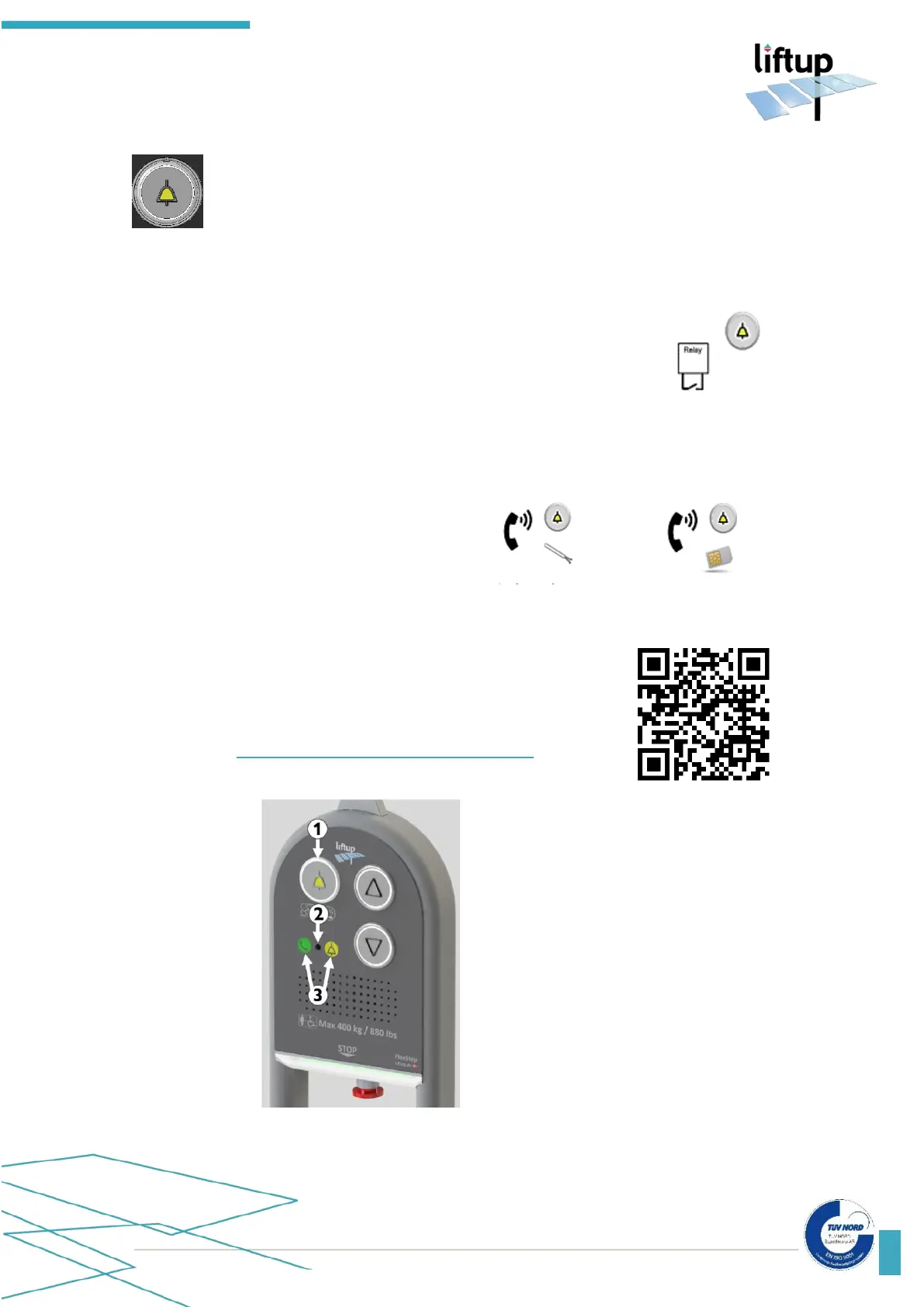
The lift can be equipped with an alarm button that can summon assistance. In order
to activate the alarm, press on the alarm button and hold it in for approx. 5 seconds.
The alarm button can be connected in several ways:
1. The alarm button is connected to an alarm sensor in the lift
that emits a high-pitch beeping tone that alerts others that
there is a need for assistance at the lift.
2. The alarm button is connected to a call system that allows the
user to contact external assistance, either using an analogue
connection or by using a SIM card.
Analogue connection
(SafeLine)
SafeLine QR
More detailed information regarding the operation and functions
of the SafeLine call system can be found here:
SafeLine MX3: https://www.safeline-group.com/en/qg/mx3
1. Alarm button
2. Microphone
3. Status LED for com-
munication module



 To Next Page