Liftup North America, Inc. | 5626 56th Commerce Park Blvd | Tampa, FL 33610 | T: +1 844 543 8878 | M: info@liftup.us | www.liftup.us
To reset a remote control so that it is no longer paired, the following points should be followed:
How to reset the transmitter
1. Press the Up (↑) and DOWN (↓) buttons at the same time for 5 seconds until the control
LED on the remote control starts to flash slowly.
2. The remote control is now in installation mode for 2 minutes. The following sequence must
be performed within the 2-minute period:
Press: UP(↑), UP(↑), DOWN(↓), DOWN(↓), UP(↑), DOWN(↓), UP(↑), DOWN(↓)
If the sequence is performed correctly, the control light (LED) flashes rapidly 10 times.
Test the system to ensure that the reset has been done properly and that the remote control
is no longer paired. If not, repeat points 1-3 above.
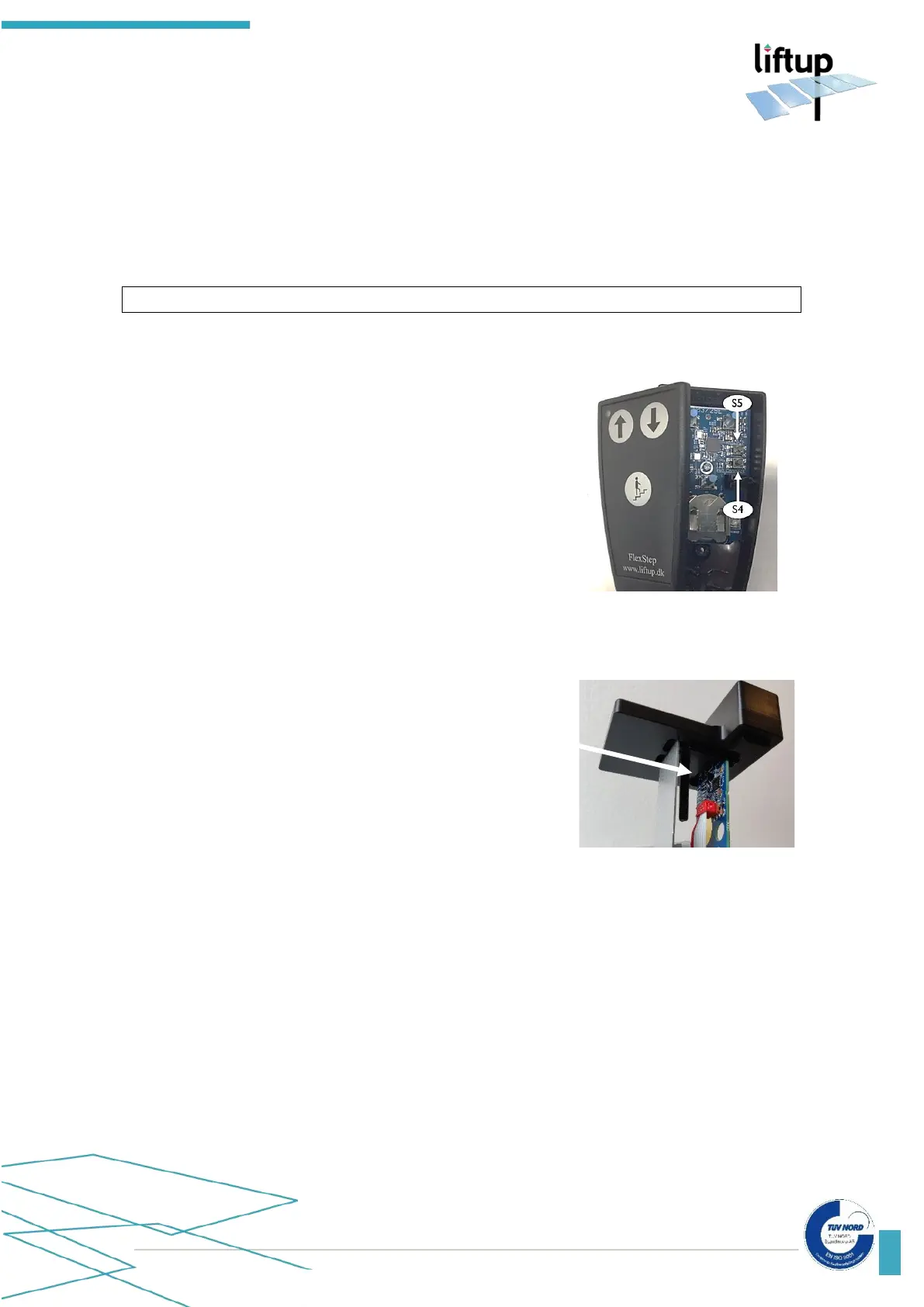
How to reset the receiver:
1. Press S4 on the receiver for more than 10
seconds.
2. Once the control light starts to flash rapidly
10 times, the receiver has been reset.



 To Next Page