14
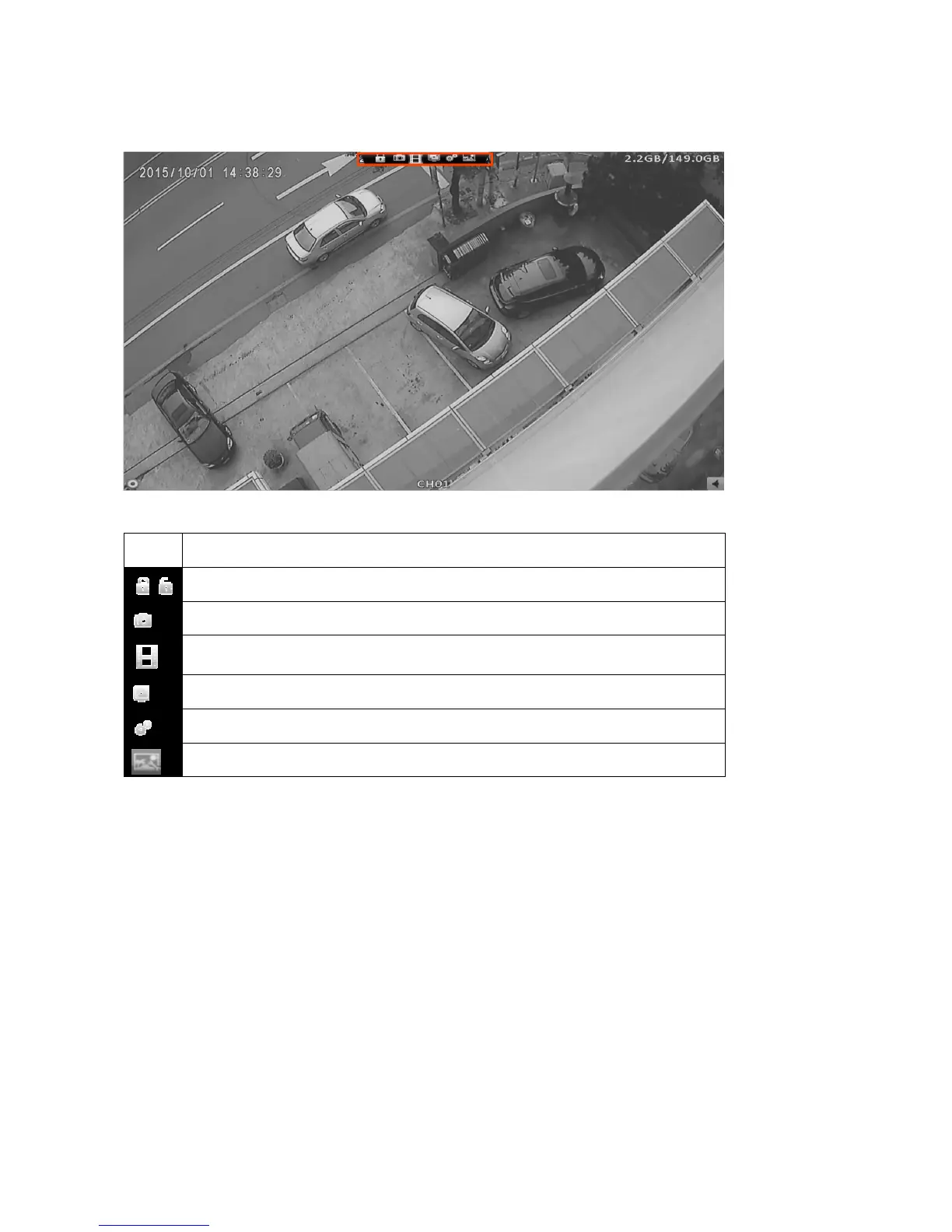
2-8 Toolbar
In the Live Mode, move cursor to the top of window Toolbar will show up.
Toolbar icon description:
Icon Description
User login / logout: Auto lock is used.
Snapshot.
Video recording, click to turn on or off, when turning on, the video will be
recorded in selected folder.
Full screen.
Preference, save folder setting. Refer to Chapter 2-8-2.
Netviewer video quality. Refer to Chapter 2-8-1.
Note:
1. Functions including Screenshot, Video recording are only available in Netviewer.
2. Netviewer is remote control and view software.



 To Next Page