LMAIM1501 LY Installation and Maintenance for LY 1001, LY 2001 and LY 3001 5-13
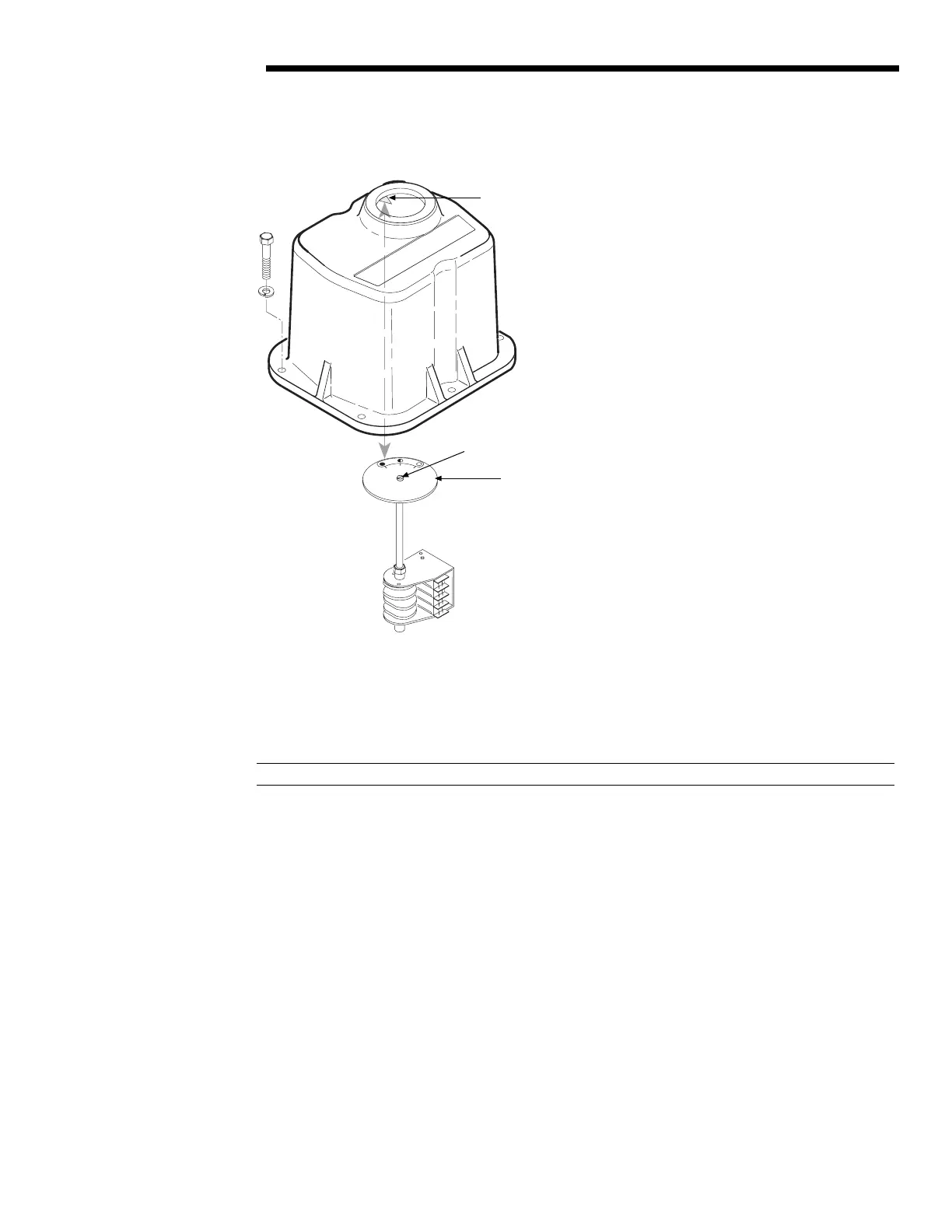
Figure 5.12 – Aligning MDPI with Dial Window Retaining Plate
5.9.1 Setting the Potentiometer
If the LY actuator includes a Feedback Potentiometer used for remote valve position indication, use an ohmmeter to
calibrate the position of the potentiometer.
a DANGER: HAZARDOUS VOLTAGE. Turn power off before calibrating the Feedback Potentiometer.
1. Using the Handwheel, position the actuator to mid-travel (valve at the 50% position).
2. Disconnect the Potentiometer Wiring Harness from where it is plugged in or connected to a Terminal Strip.
3. Using an ohmmeter, verify that the potentiometer is in mid-travel. The resistance from each End Connection to
the Center Connection should be half of the full resistance of the Potentiometer. Example: 1000 ohm
potentiometer should read approximately 500 ohms from one of the End Connections to the Center
Connection.
Limitorque
PERCENT OPEN
0
50
100
Limitorque
#108 MDPI Retaining
Plate arrow
#146 MDPI Dial Plate
#147 Screw
Flow Control Division
Limitorque Actuation Systems



 To Next Page