51
7.2 Start-up Procedures
Check the following items before starting the inverter:
•
The country marked on the packing box is in accordance with the installation site.
•
The inverter is correctly and firmly fastened to the mounting bracket on the wall.
•
All cables are connected according to chapter 6;
•
All unused terminals are properly sealed.
•
AC circuit breaker is correctly connected between inverter GRID port & GRID, circuit
breaker is disconnected.
•
AC circuit breaker is correctly connected between inverter EPS port & critical loads, circuit
breaker is disconnected.
•
For Li-Ion battery, ensure that the BMS cable has been correctly connected.
•
For the lead-acid battery, ensure that the NTC cable has been correctly connected.
If all of the items mentioned above meet the requirements, proceed as follows to start up the
inverter for the first time.
Step 1: Power on the Grid
•
Connect the AC circuit breaker.
Step 2: Power on the Battery
•
Connect the external DC circuit breaker between the inverter and the battery, then power
on the battery manually if a battery is equipped.
Step 3: Power on the PV
•
Rotate the DC switch to “ON”. Wait for a moment and the inverter will start a self-test
procedure.
Step 4: Switch on the loads
•
The load parameters should show.
Step 5: Configure the Wi-Fi stick
• Establish communication connection between the mobile phone and Wi-Fi stick, then set
initial protection parameters. Refer to LIVOLTEK APP Operation Instructions for details.
Step 6: Self-test in accordance with CEI 0-21 (Italy Only)
•
The self-test is only required for inverters to be commissioned in Italy. During the self-test,
the inverter will consecutively check the reaction times for: overvoltage, under-voltage,
maximum frequency and minimum frequency.
•
Please use the LIVOLTEK APP to initiate the self-test procedure and get the test results.
Refer to “Settings on the APP” for details.
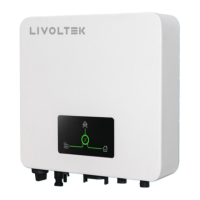
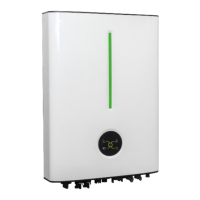
Step 7: Observe the LED indicator
• Observe the LED indicator to ensure that the inverter operates normally.






 To Next Page