54
8.2 Wi-Fi Configuration
Preparation
• Power on inverter
• Power on router and check the wireless networks that mobile phone joined
Step 1: Install LIVOLTEK APP
APP is available from Apple App Store, Google Play, and Android
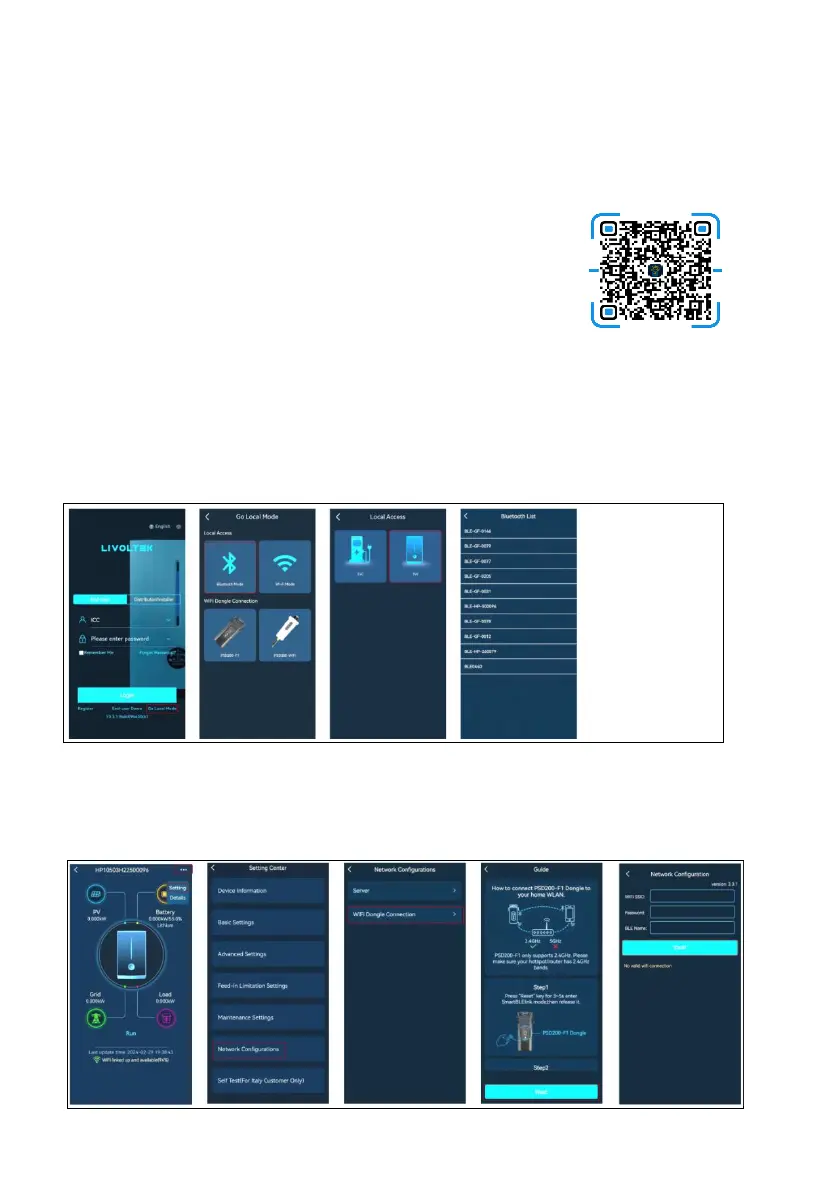
APK. Scan the QR Code below to download the APP on your
smartphone.
Step 2: Connect the Inverter
• Open Livoltek APP, choose "Local Mode" ----> "Bluetooth Mode"----> "INV".
• Find your inverter SN (named with "BLF-HP- last few digits of SN").
• Click on "setting" ---->"Network Configurations"
• Press “Reset” key on PSD200-FIDongle about 3~5 seconds. Then the first LED will blink.
• Enter wireless network name & password (same network your phone configured to)
• Click on "Confirm" and wait 10s, "Success" will display on the APP if successful.
Step 3: Wi-Fi Configuration
• Click on "setting" --->"Network Configurations"--->"Next".
• Press “Reset” key on PSD200-FIDongle about 3~5 seconds. Then the first LED will blink.
• Enter wireless network name & password (same network your phone configured to)
• Click on "START" and wait 10s, "Success" will display on the APP if successful.






 To Next Page