11
Quick Guide YM Zenit
+
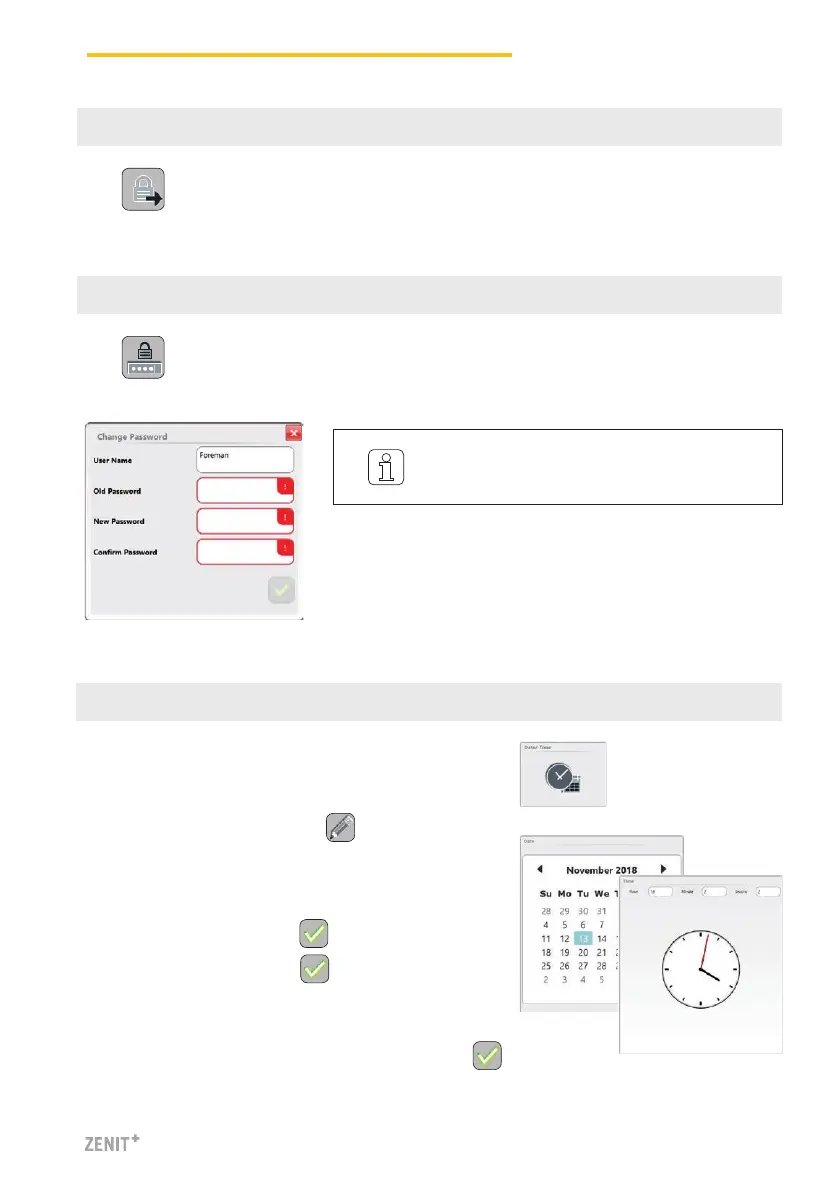
9 Logout
10 Change Password
SERVICE > Setup > Date and Time
1.
Activate the Edit mode with .
2. Enter date / day.
3. Enter time (hour, minutes, seconds).
4. Confirm each entry with .
5. Save date and time with .
11 Set Date and Time
6. Confirm pop-up “Save date and time settings” with .
The access privileges are reset to “Guest”.
It is recommended to change these pass-
words after startup and in regular intervals!



 To Next Page