21
Quick Guide YM Zenit
+
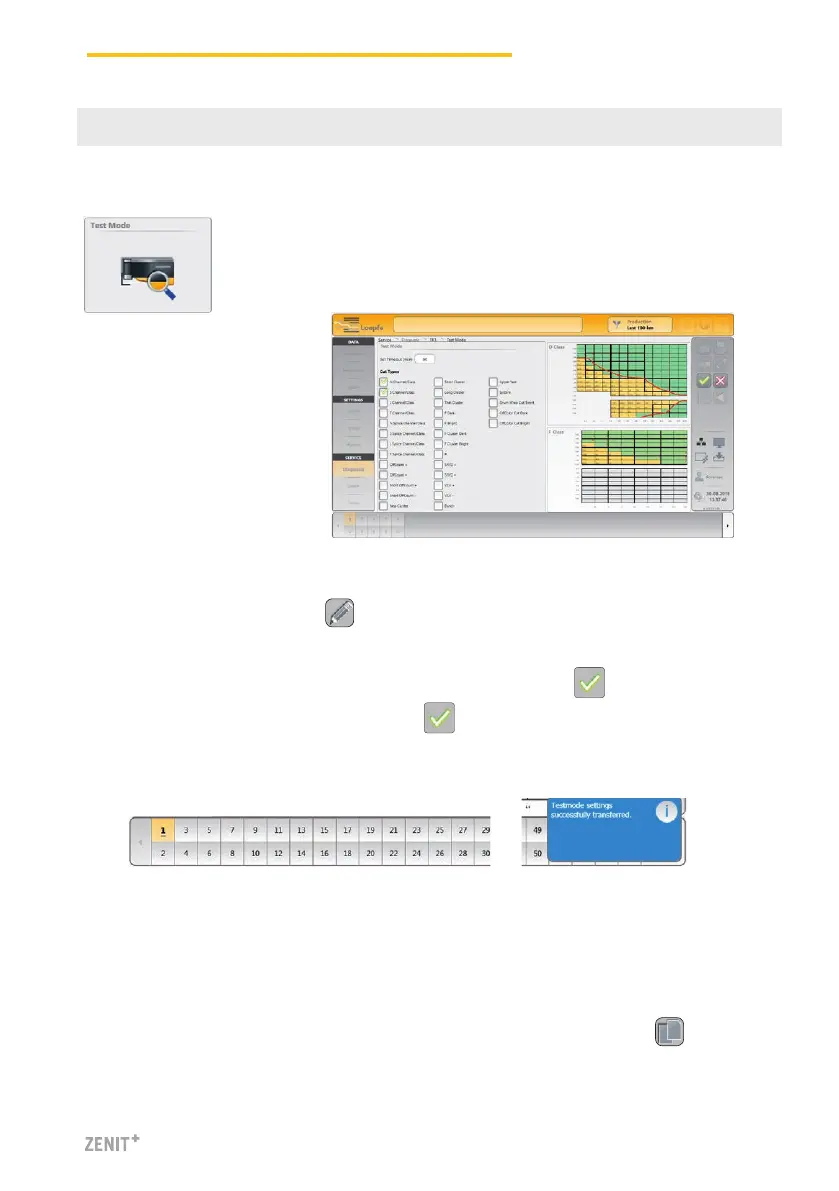
The Test mode is available for all cutting types. Several class
fields (per D and F class) can be activated at the same time.
Activate the Test Mode
1. Activate the edit mode with .
2. Determine the time-out (Off, 30, 60, 90 or 120 min.)
3. Select the cut types or respective class fields and confirm with .
4. Select the spindle range and confirm with .
» The selected spindles are underlined in the spindle selection list.
» As soon as a respective fault is cut, the spindle is blocked. The fault can be analyzed.
» The Test mode is automatically disabled after the set time-out time has elapsed.
» The Test mode can be terminated prematurely by time-out «Off» as required.
5. The settings of the selected spindle can be copied to further spindles with .
18 Test Mode
SERVICE > Diagnosis > Test Mode



 To Next Page