Quick Guide YM Zenit
+
22
19 Save Data
Screenshots, reports and data can be copied to a USB stick via the USB port. The respective
function buttons become active when the USB stick is inserted.
Screenshots
Data Export / Import
Reports
A screenshot of selected window is saved as XPS file on the
USB stick.
Export
The data selected can be saved / exported on a USB stick.
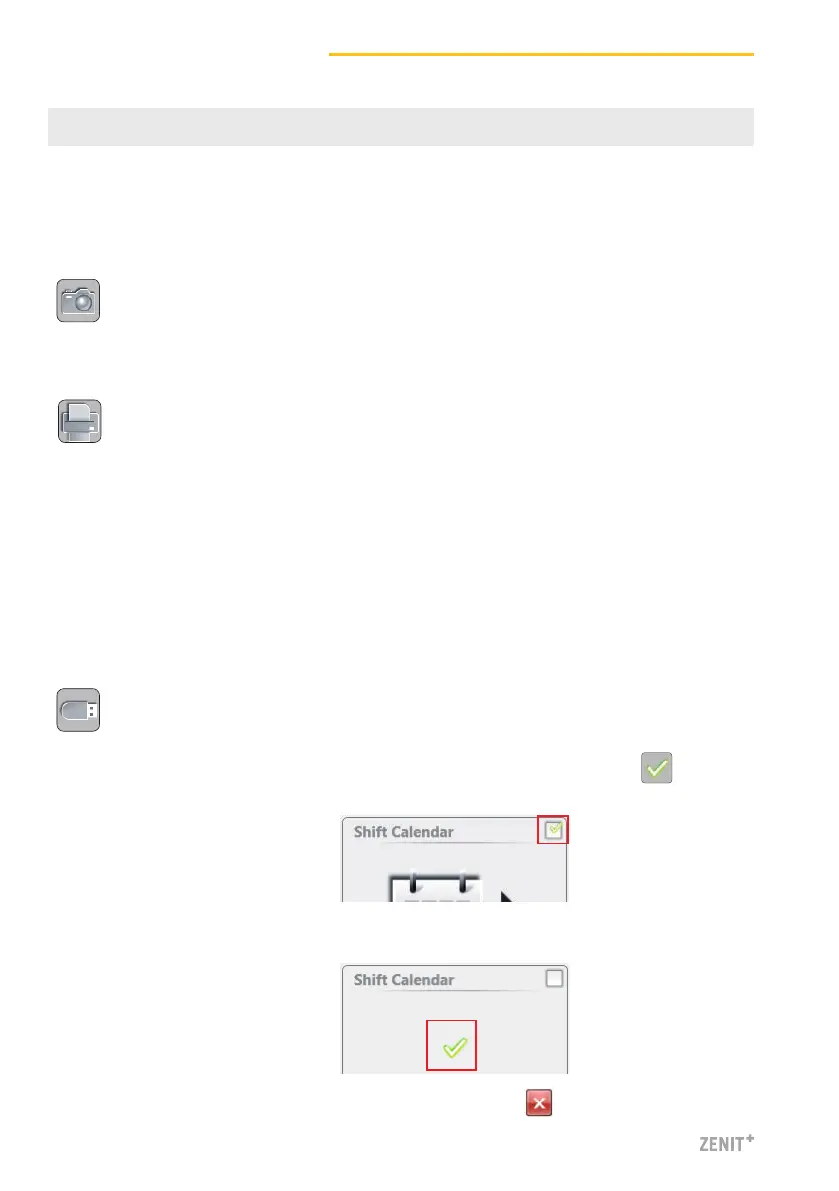
1. Select the data format (JSON, XML, CSV) wählen.
2. Select the required data and confirm with .
The following reports can be created and saved as XPS files
on a USB stick:
DATA menus
Depending on the Data selection filter:
» Completed Shift Report
» Intermediate Shift Report
SERVICE menus
» Configuration report
3. Wait for acknowledgment.
4. Quit Import / Export with .



 To Next Page