Quick Guide YM Zenit
+
16
14 Create / Change Article
SETTINGS > Article (List)
1.
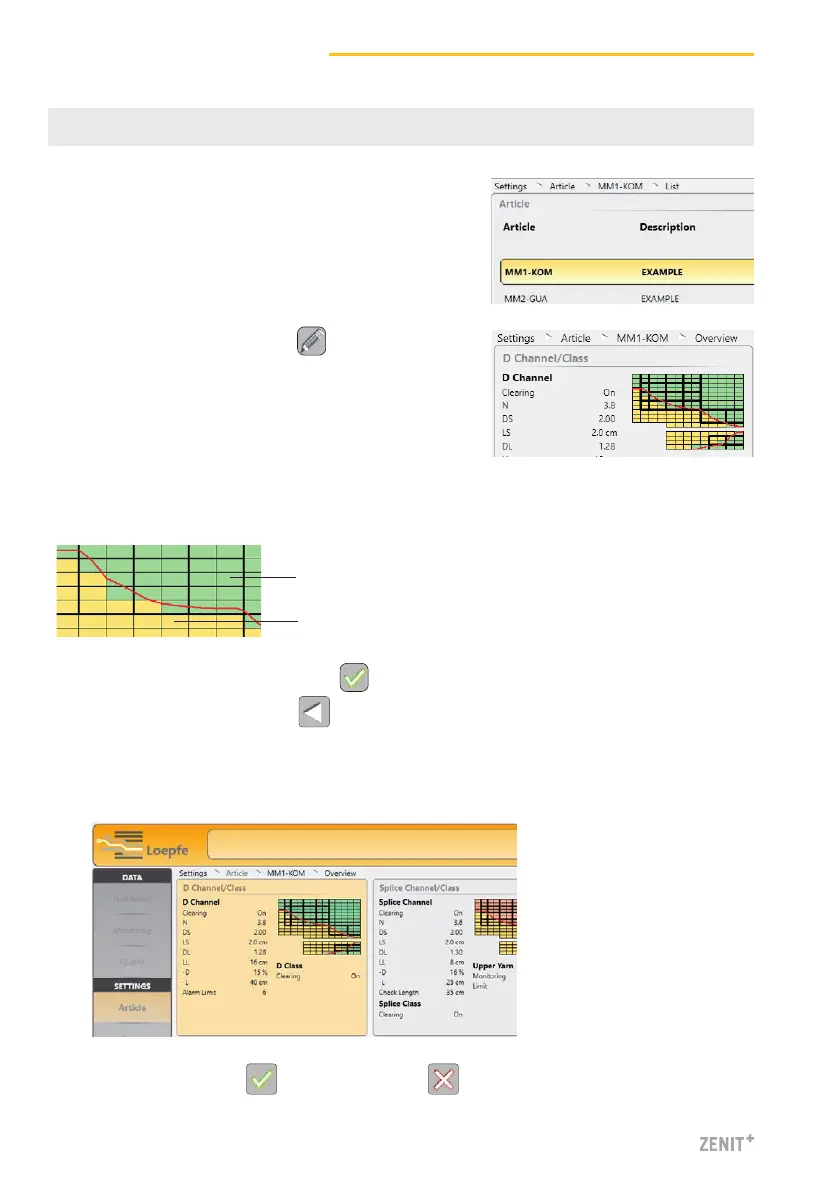
Double-clicking an article in the list opens the over-
view of the respective clearer parameters.
6. Save changed article or discard changes .
Class Matrix
Tapping the class fields (D class, F class, Splice class) activates or deactivates class clearing
for these fields.
Clearing is active
Clearing is not active
3. Change settings and confirm with .
4. Return to the overview with .
5. Repeat this action until all setting blocks have been defined.
» All changed setting blocks are highlighted yellow in the overview.
2. Activate the edit mode with .



 To Next Page