17
Quick Guide YM Zenit
+
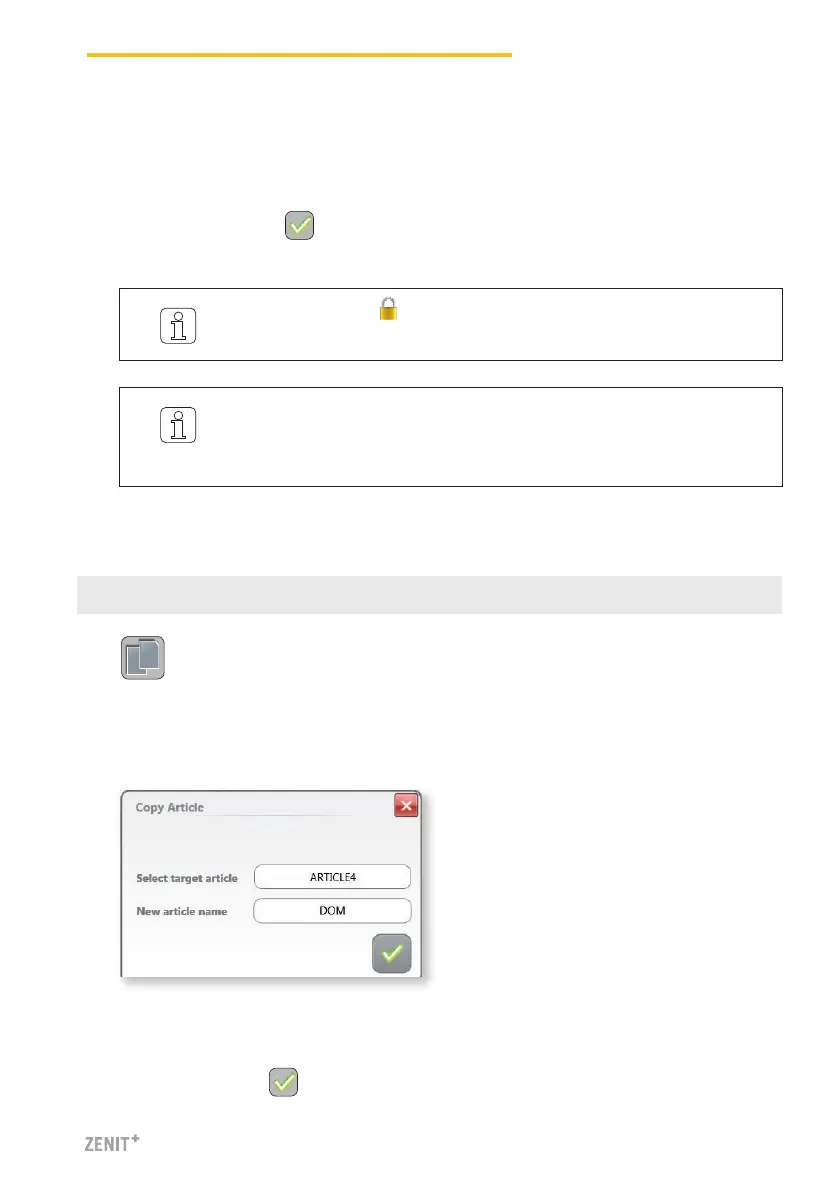
15 Copy Article
1. Select an article (e.g., CO NE40 TOP9).
2. Clicking the Copy button opens the Copy window.
7. Select save mode:
» Overwrite currently selected article.
» or assign the changed settings to another article (assign new article name, if necessary).
8. Confirm changes with .
3. Select the target article (existing settings are overwritten during copying).
4. Enter new article name (e.g. DOM) if required.
5. Confirm inputs with .
On principle, clearer settings can also be changed for groups in production.
Production continues with the changed settings! Monitoring and quality
data are reset.
The articles marked are articles predefined in the factory.
They can not be changed, they can only be used as templates.



 To Next Page