3. Display
Some items like Engine Hours are displayed only as a digital value.
All sixteen (16) gauges may be configured to create an application-specific view of data. With Tech
or Admin level access, the four (4) gauge pages can be configured using the menu
Configuration
Display Gauges Quad Gauge Pages
.
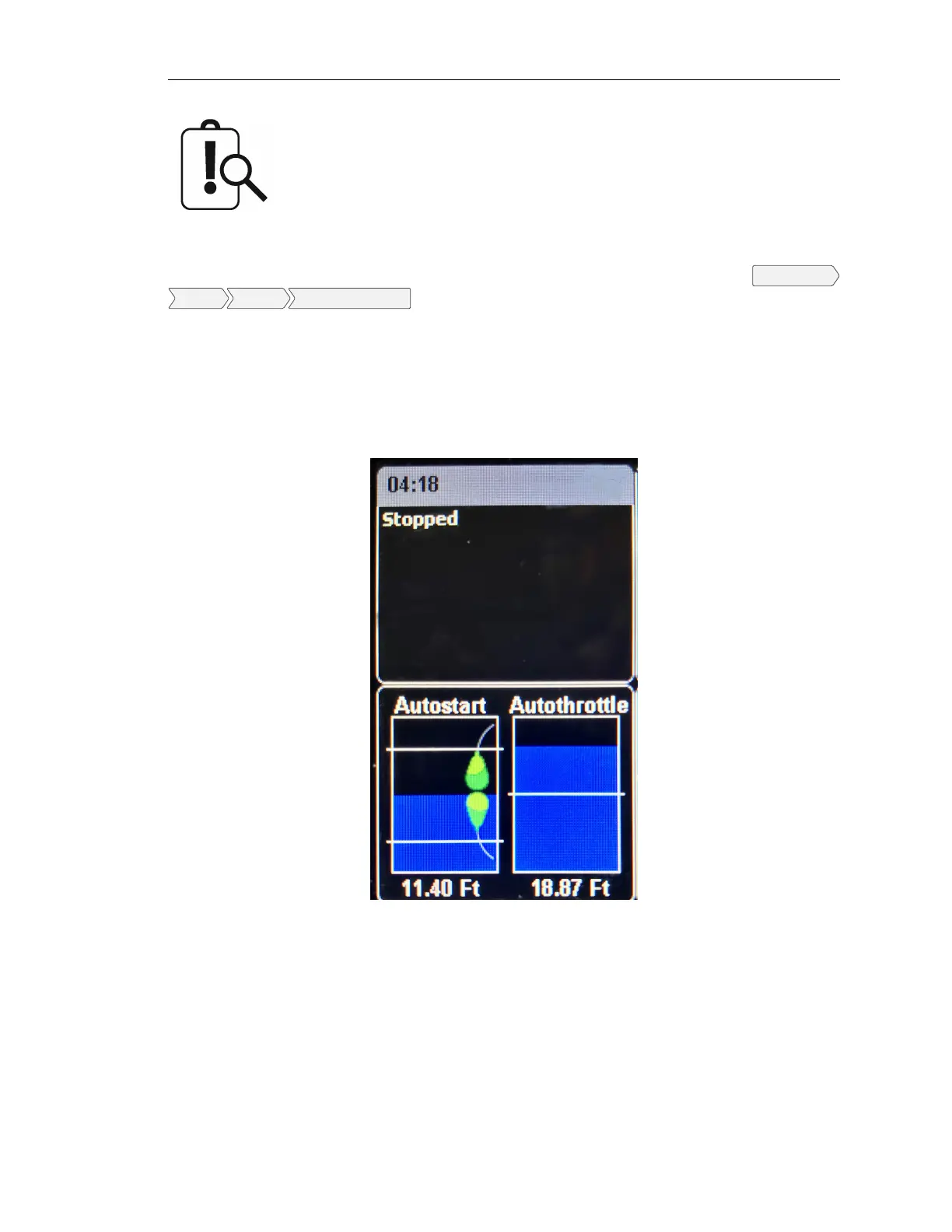
3.3 Status and Autostart Gauge
To the left of the configurable gauges is the Status gauge (top left) and the Autostart gauge (bottom
left).
The Status gauge shows the status of many of the emissions-related features as well as date, time,
signal strength.
The Autostart gauge shows the start and stop events or levels on the left and the maintain/cruise
control level on the right.
3.4 Autostart and Throttling Dashboards
3.4.1 Autostart
LOFA document No. 463-3002-59 Page 7


 To Next Page