5. Manual Operation
•
Pressing and releasing the rabbit icon increases the speed by the switch/rotary increment
value (default = 50 RPM).
•
Pressing and holding the rabbit icon causes the speed to continue to increase (ramp) until
the maximum speed is achieved.
• Pressing and releasing the turtle icon decreases the speed by the switch increment value
(default = 25 RPM).
•
Pressing and holding the turtle icon causes the speed to decrease (ramp) until the minimum
speed is achieved.
•
The CP1000 will smoothly ramp the RPM up and down using the Max RPM change / s value
(500 default). This value can be changed in the
Throttle Switch/Rotary Max Change / s
menu.
5.3 Rotary Throttle Control
The optional Digital Rotary Throttle uses a rotary switch to simulate the operation of a throttle. When
the engine is first started, the requested engine speed is always Idle RPM. Turning the throttle knob
clockwise increases the requested engine speed by the switch/rotary increment value (default = 50
RPM). Turning the throttle knob counter-clockwise decreases the requested engine speed.
5.4 Stopping the Engine
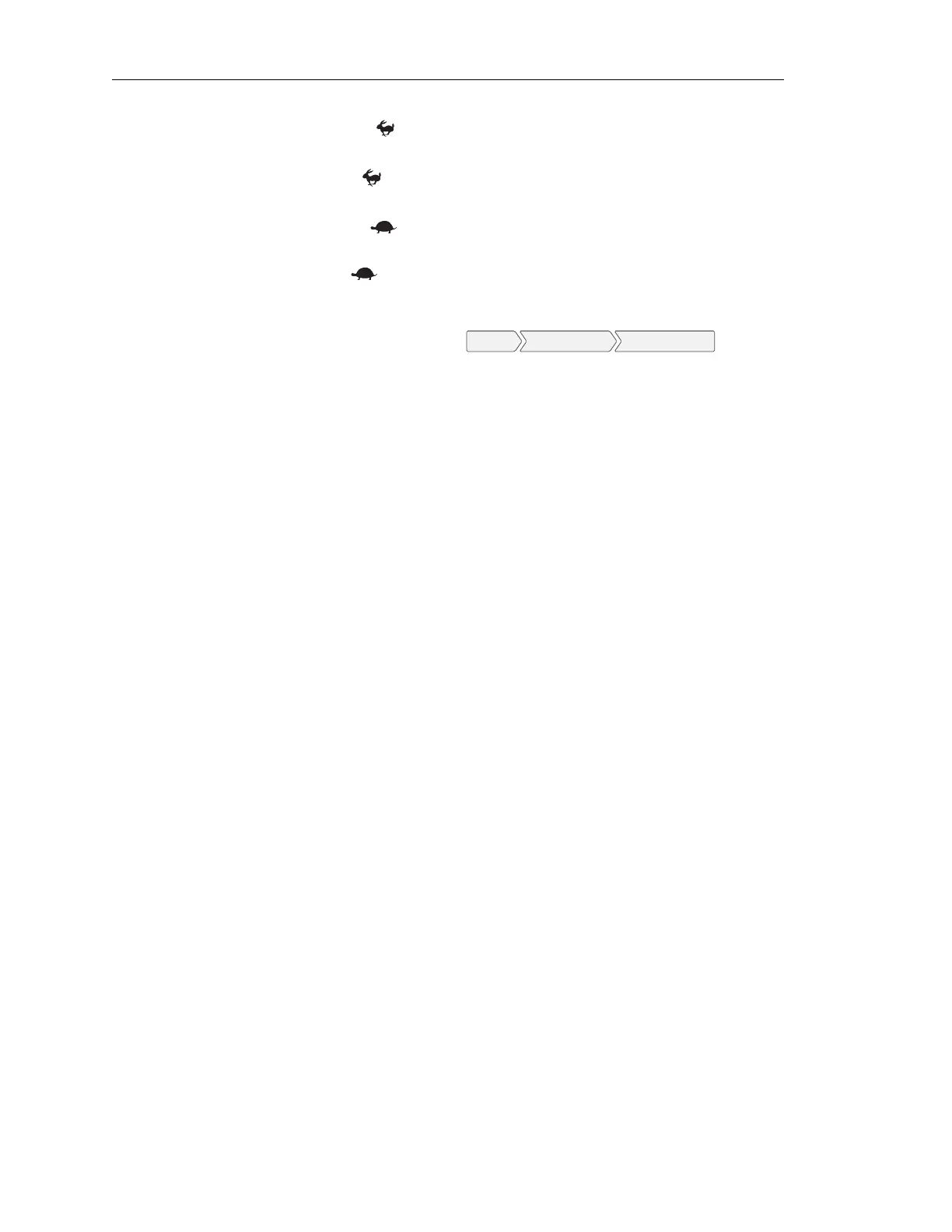
To stop the engine simply press the ”OFF” button. Do not use the Auxiliary Engine Stop (if fitted) or
the key switch to stop the engine under normal conditions.
Page 22 LOFA document No. 463-3002-59 Page 22


 To Next Page