User Manual
10/183
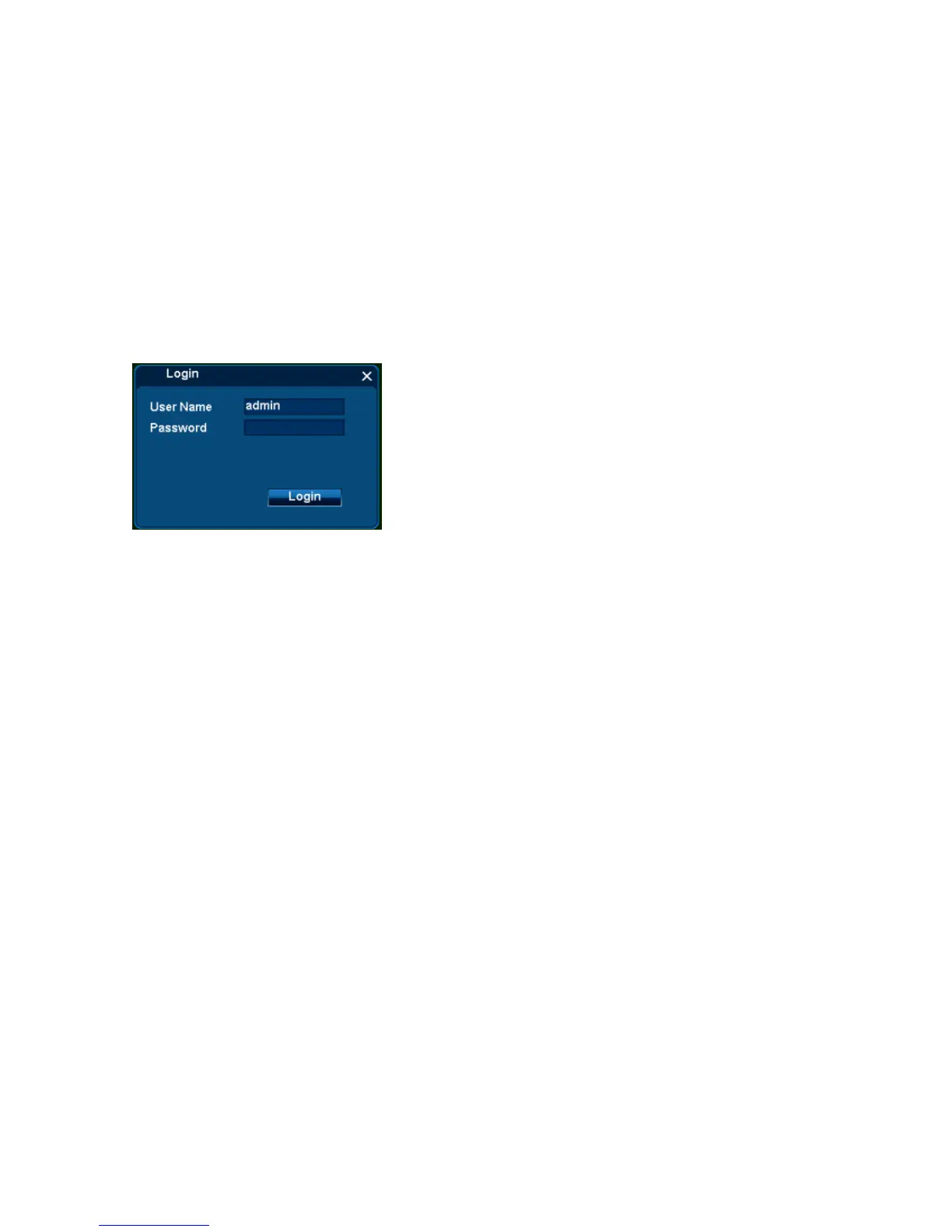
Steps:
1. [User Name] input default user name „admin‟;
2. [Password] is empty, that is nothing input;
3. Single click [Login], then finish login operation.
Remarks: If login failure for 3 times, mouse will be locked for 10 seconds, DVR will alarm until login successfully .
3.1.2 Temporary Login
If forget user name and password and make login failure, can use temporary login.
Steps:
a) Error login again, note [Errcode],
b) Contact with customer service, they will tell a temporary user name and password.



 To Next Page