User Manual
15/183
Steps:
Setup steps of Session2 is the same with Session1.
Remarks: change Session2 valid time range into Night (for example 17:30~06:00), it will be night mode.
3.2.4 PTZ
Function Location: Right Click Menu:
Main Menu:
Function Summary:
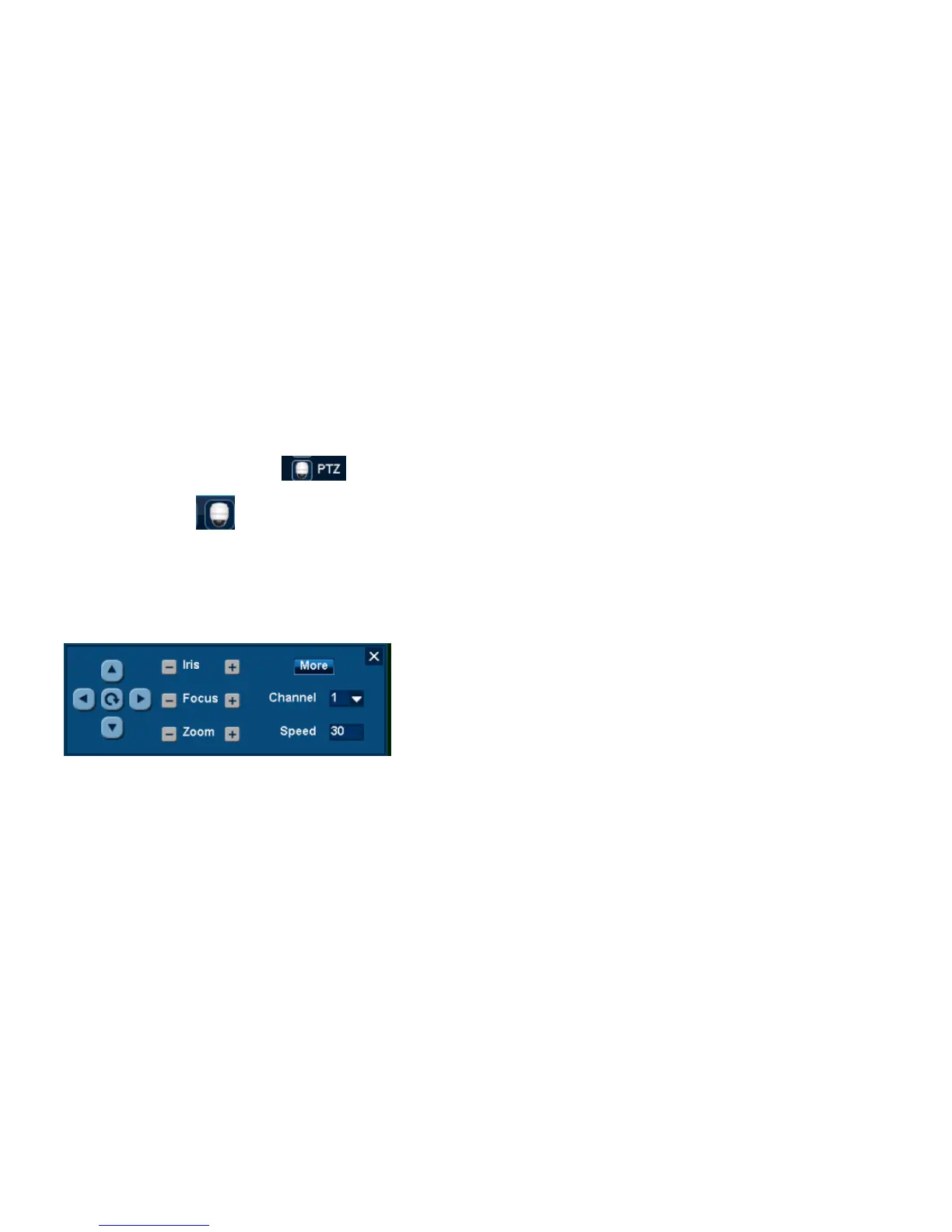
1. [PTZ Adjust] can adjust PTZ lens direction, Iris, Focus, Zoom, Speed.
2. [Preset positions Cruise] can adjust Preset Positions, Cruise Line, Aux.
3.2..4.1 PTZ Adjust
PTZ Adjust Steps:
1. Right Click Menu or Main Menu select [PTZ Control];
2. Change Channel No. into PTZ Channel;
Remarks: After selecting, it will be full screen showing; single click [16 View] can get multi-screen;
3. Change PTZ moving speed;
4. Single click up/down/right/left button to adjust PTZ lens direction;
Remarket: [Auto] can make PTZ Horizontal roll.



 To Next Page