User Manual
28/183
1. Single click [Backup] , open the backup interface;
2. Modify the backup start time;
3. Modify the backup time range;
4. Choose Record Type, Scheduled/ Manual/Alarm/ Motion detection record;
5. Choose backup channel;
6. Single click [Backup] to backup the file selected into U disk;
7. Install the display plug-in, then can use Media Player to display the backup file.
3.2.8 Clear Alarm
Function Location: Right Click Menu:
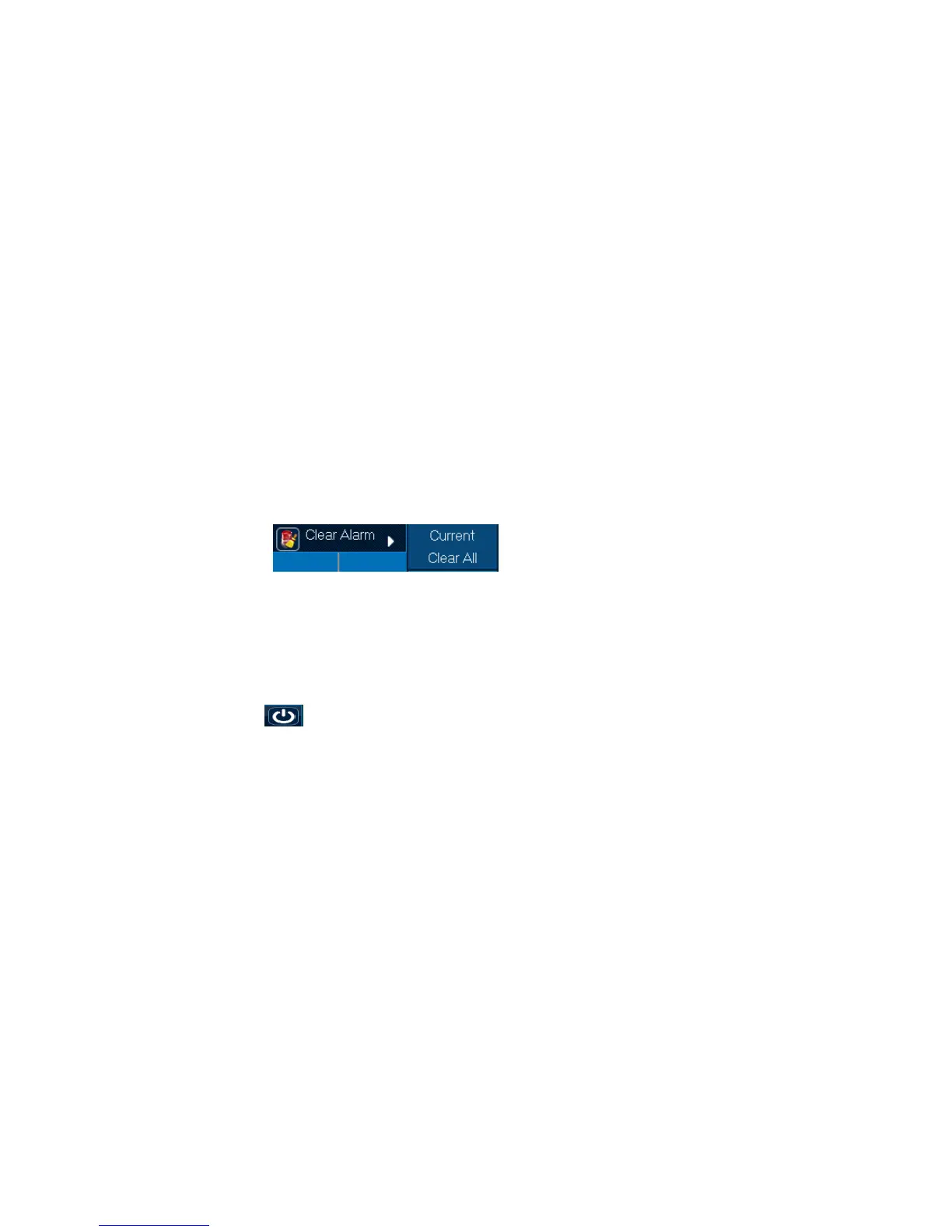
Function Summary: can clear some channel or all channel Alarm effect.
Operation Steps:
1. Right click alarming channel, choose [Clear Alarm/ Current] can clear alarming of current channel;
2. Right click all channels, choose [Clear Alarm/ Clear All] can clear alarming of all channels.
3.2.9 Shutdown
Function Location: Main Menu:
Function Summary: can Logout, Shutdown and Restart.



 To Next Page