User Manual
18/183
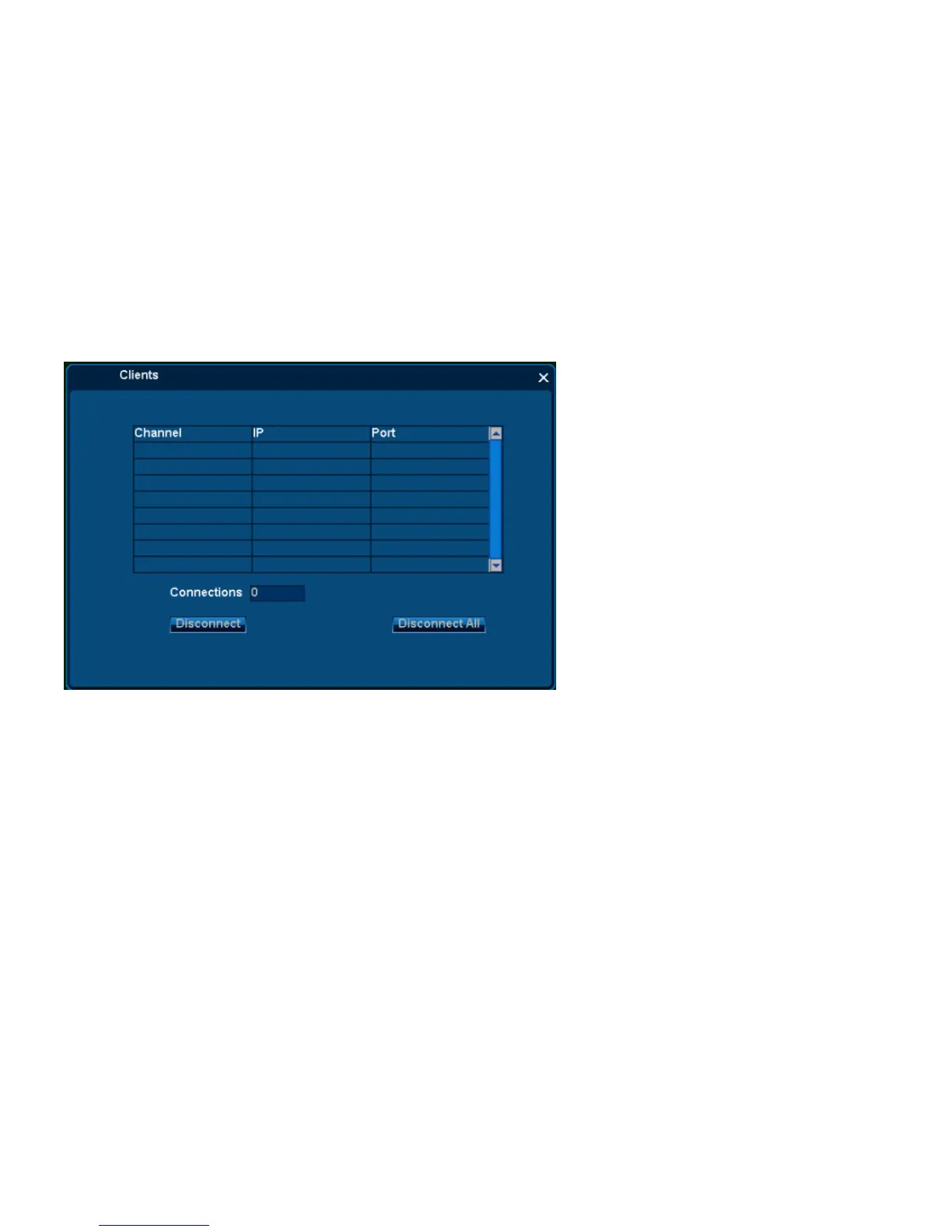
All client-end connection information: channel, IP, Port, and Connections all information can check here.
Disconnect Steps:
1. From the list, select any channel to connect;
2. Single click [Disconnect] , can disconnect the remote connection;
3. Single click [Disconnect All], can disconnect all remote connection.
3.2.6 Snapshot
Snapshot function includes [Snapshot], [Photos] two functions.



 To Next Page