User Manual
61/183
4.5 Alarm
Function position:System setup| Alarm
Function introduction: 1. Open motion detection alarm, and set alarm out
2. Open No video alarm, and set alarm out
3. Open alarm device, and set alarm out
4. Set Alarm task
5. Set E-mail alert
6. Set Alarm pre-record
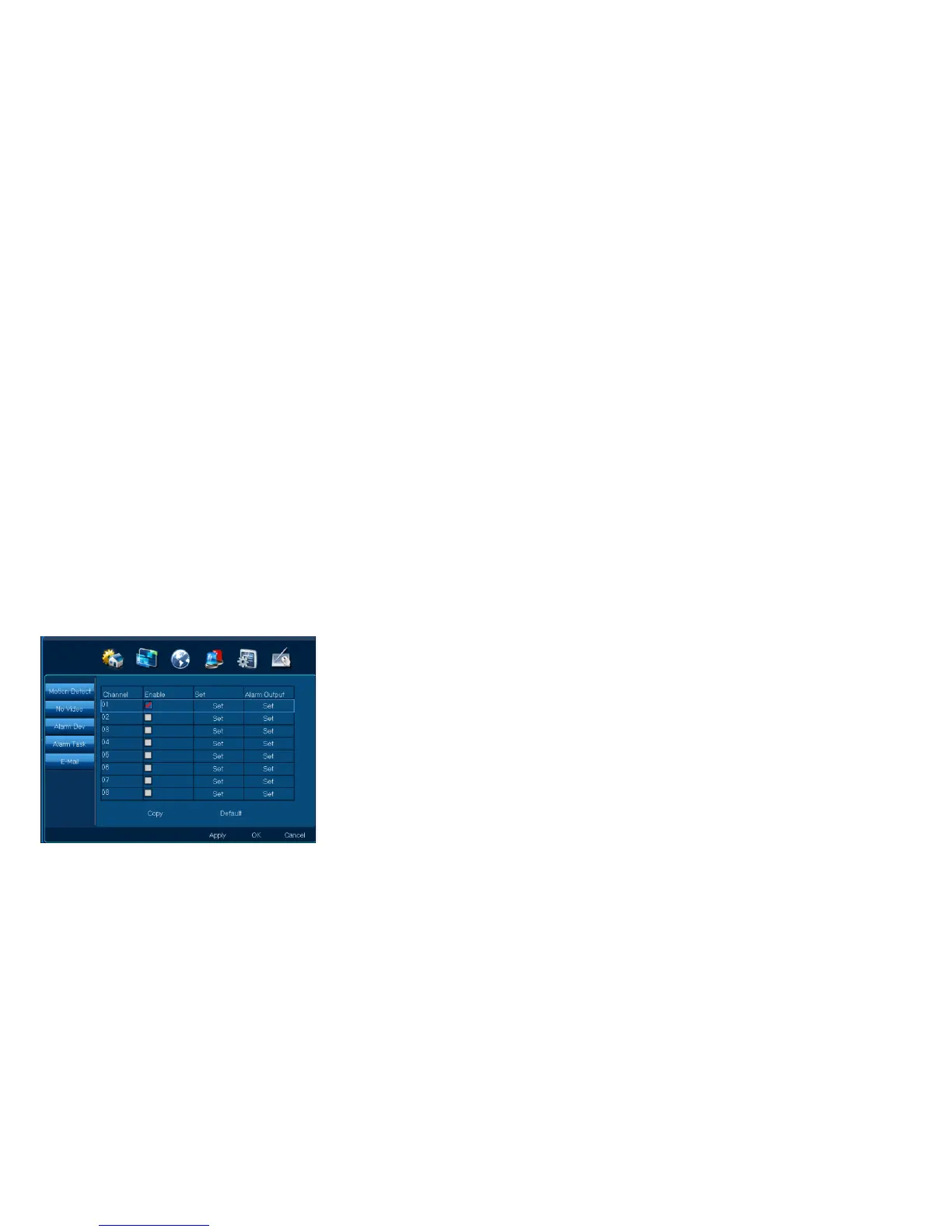
4.5.1 Motion detection
Function position:System setup| Alarm| Motion detection
Function introduction: When there is a move object, it can alarm and send alarm-out
Step 1: Choose channel, open motion detection
1. Choose” Enable”;
Note:【 Copy】,other channels can have same setting



 To Next Page