User Manual
64/183
◇Send picture in attachment
◆Start record: It will record the selected channels
◆Call preset: It will adjust selected preset of PTZ channel
◆Snapshot: It will snapshot the selected channel and save images.
◆Output Module: It will open alarm for the relative device (normal close)
3. Click【ok】,save setting
Step 5:Detect alarm setting
1. Touch selected channel motion detection, and it can send out alarm alert
2. Selected alarm out parameter setting work normally
3. Top menu will popup alarm coin, and record log at same time
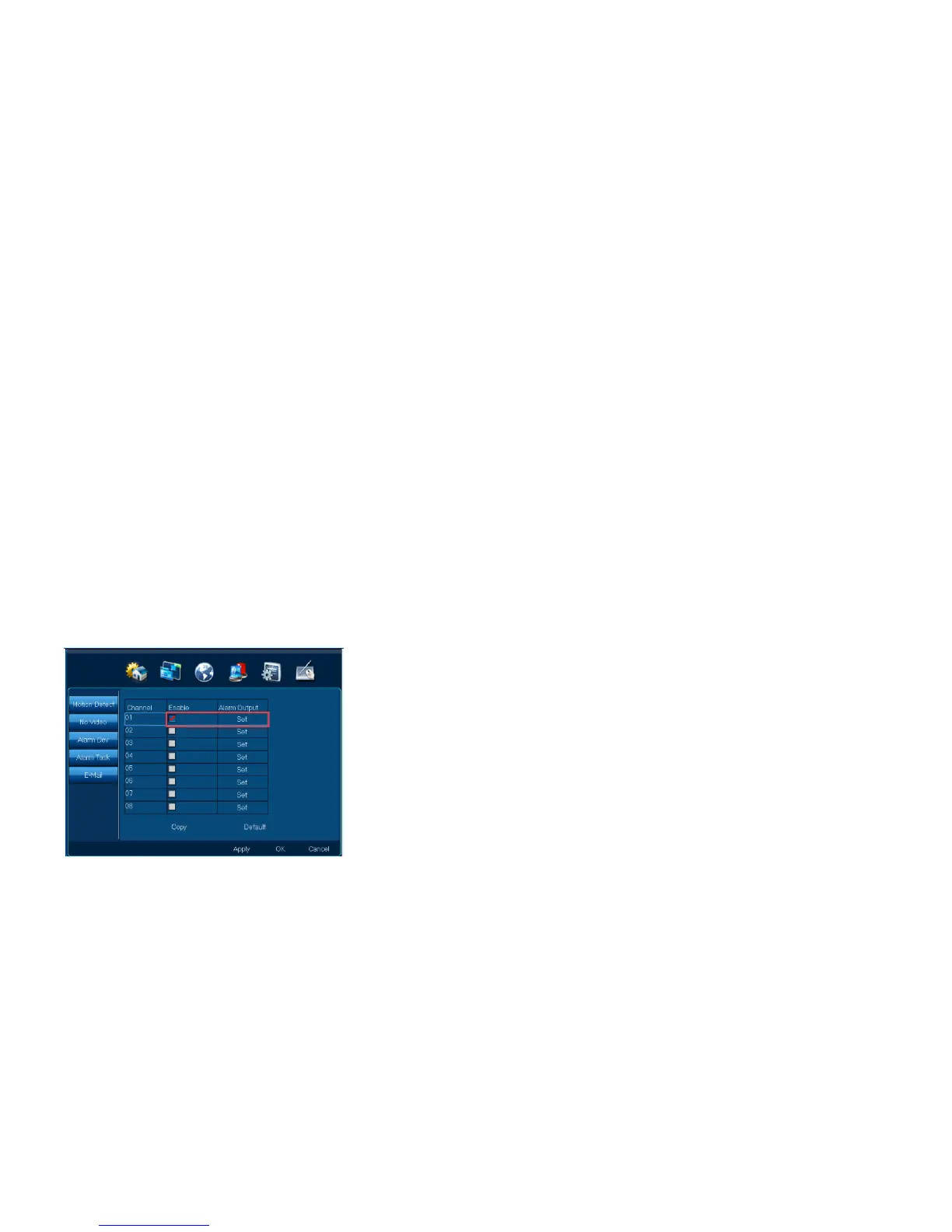
4.5.2 No video
Function position:System setup| Alarm| No video
Function introduction: When detect no video, it will send alarm alert
Step 1: Choose channel, and open no video detection
1. Choose” Enable”;



 To Next Page