User Manual
12/183
Right Click Menu: System Setup, View Layout , Video Adjust, PTZ, Clients, Snapshot, Photos, Record Setup, Playback, Clear Alarm
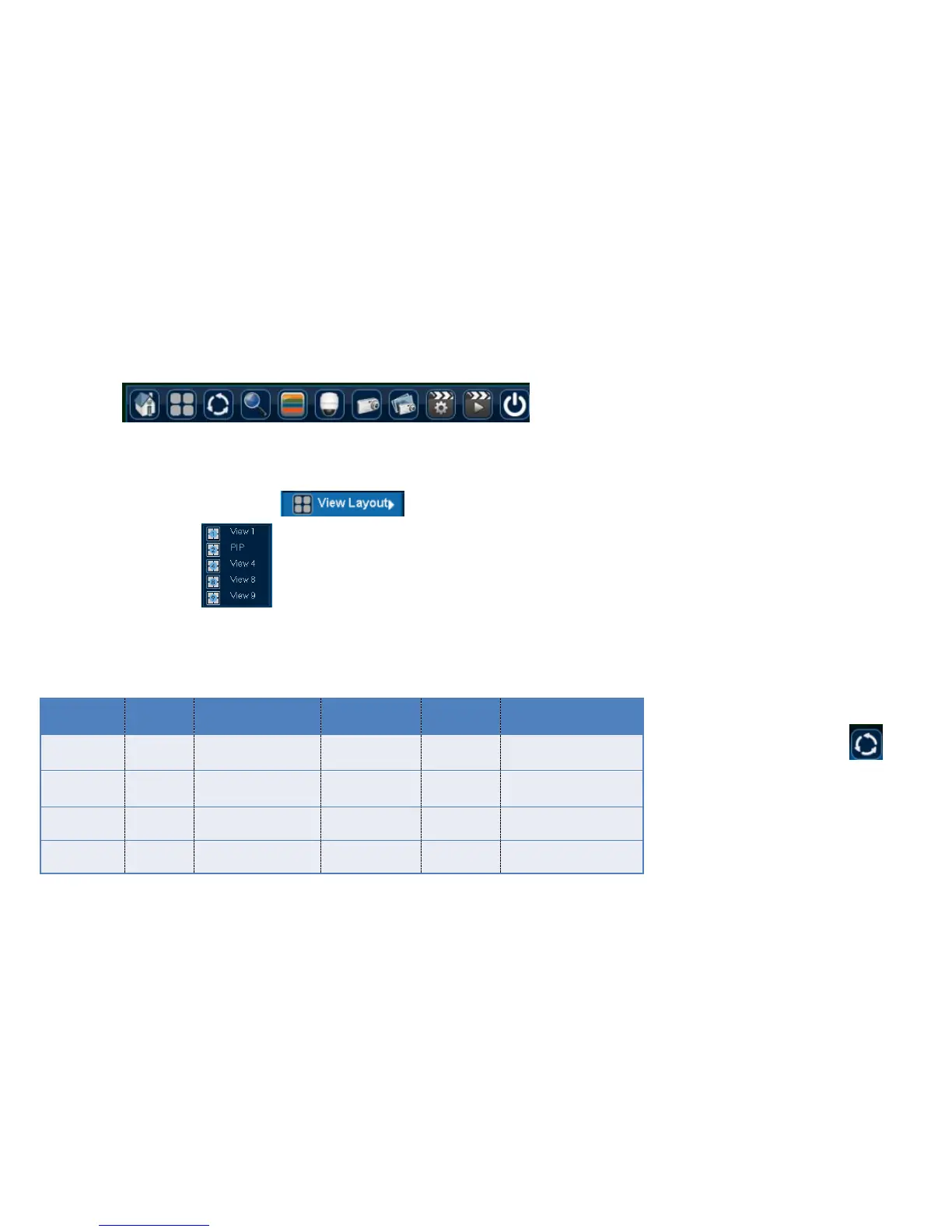
Main Menu: :System Setup, View Layout(3 layout), Sequence Interval, Zoom, Video Adjust, PTZ, Snapshot, Photos, Record Setup, Playback, Shutdown.
3.2.1 View Layout
Function Location: Right Click Menu:
Main Menu:
Function Summary: while previewing, it can adjust screen distribution mode, can choose View1, View2 (Picture in Picture), View4, etc.
Function Introduction:
3.2.2 Sequence Interval
Function Location: Main Menu:
Function Summary: [Sequence interval]
can show the previewing screen in turns, after
finishing Sequence Interval, the screen layout will
be the same with that before this function.
Steps:



 To Next Page