User Manual
80/183
4.7.1.2 Format
Step:
1. Click and select magnetic disk in the list.
2. Click “Format”.
3. Click”OK”at confirmation interface.
4. The formatted magnetic disk can be used for storage or backup.
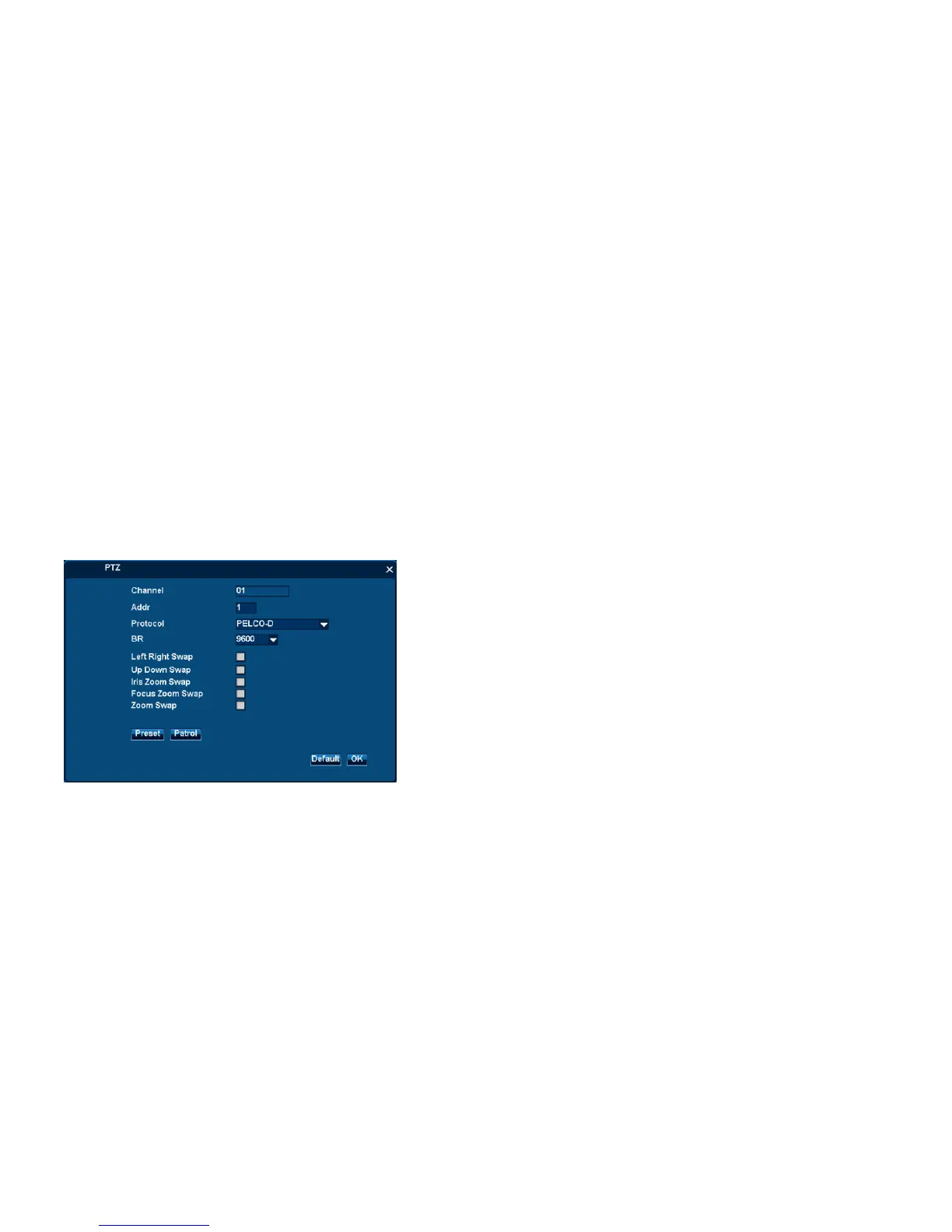
4.7.2 PTZ
4.7.2.1 PTZ adjustment
Step 1:
1. Click “Seting” at each channel to open the setting interface.
2. Input PTZ‟s address, protocol and BP.
3. Click “OK”to save above setting.



 To Next Page