User Manual
14/183
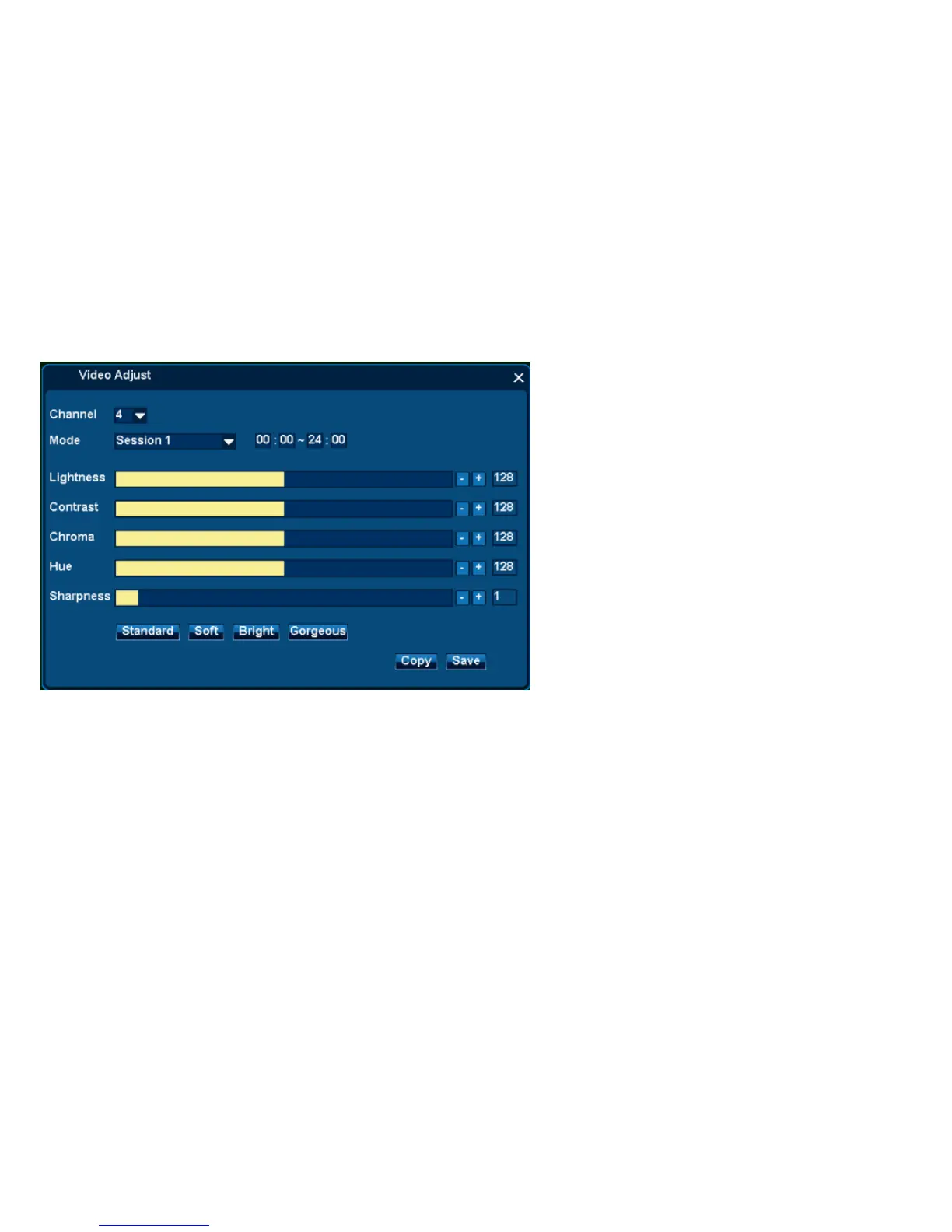
Steps:
1. From Right Click Menu or Main Menu, Single click video Adjust Icon;
2. Select channel need adjusting ;
3. Mode select [Session 1], setup the effective time range;
Remarks: Session 1 default as the whole day
4. Manually Adjust [Contrast, Chroma, Hue, Sharpness] ;
Remarks: Also can single click [Standard, Soft, Bright] for speedy settings.
5. Single Click [Save] to take effect.
Remarks: [Copy] can copy this setup to all channels.
3.2.3.2 Session 2



 To Next Page