User Manual
25/183
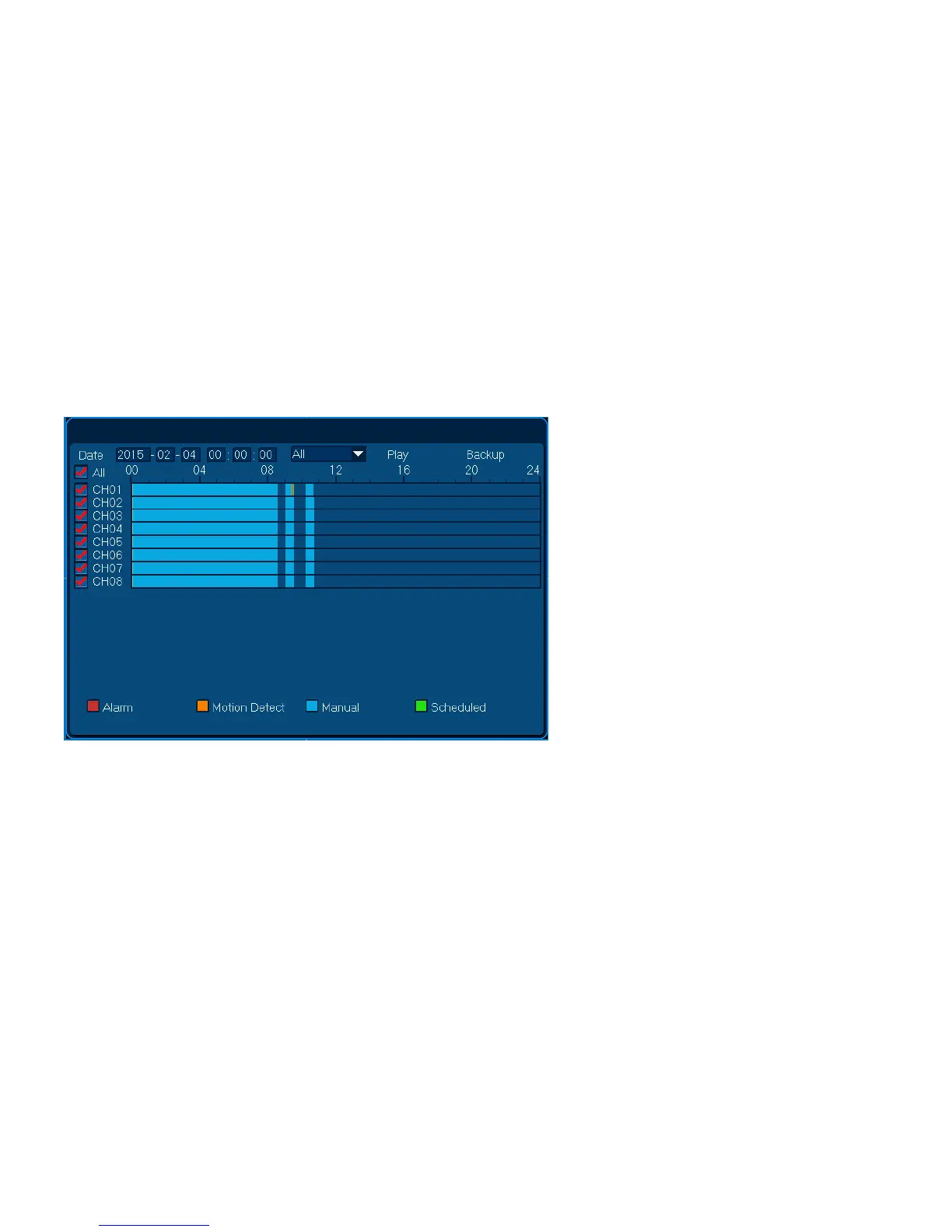
3. Choose video type: Scheduled/ Manual/ Alarm/ Motion Detection ;
4. Choose playback channel , can multi-select or all select;
5. Single click [Play] button, can display the video.
3.2.7.4.2 Playback Adjusting
When playback, users can adjust the speed and progress.



 To Next Page