User Manual
53/183
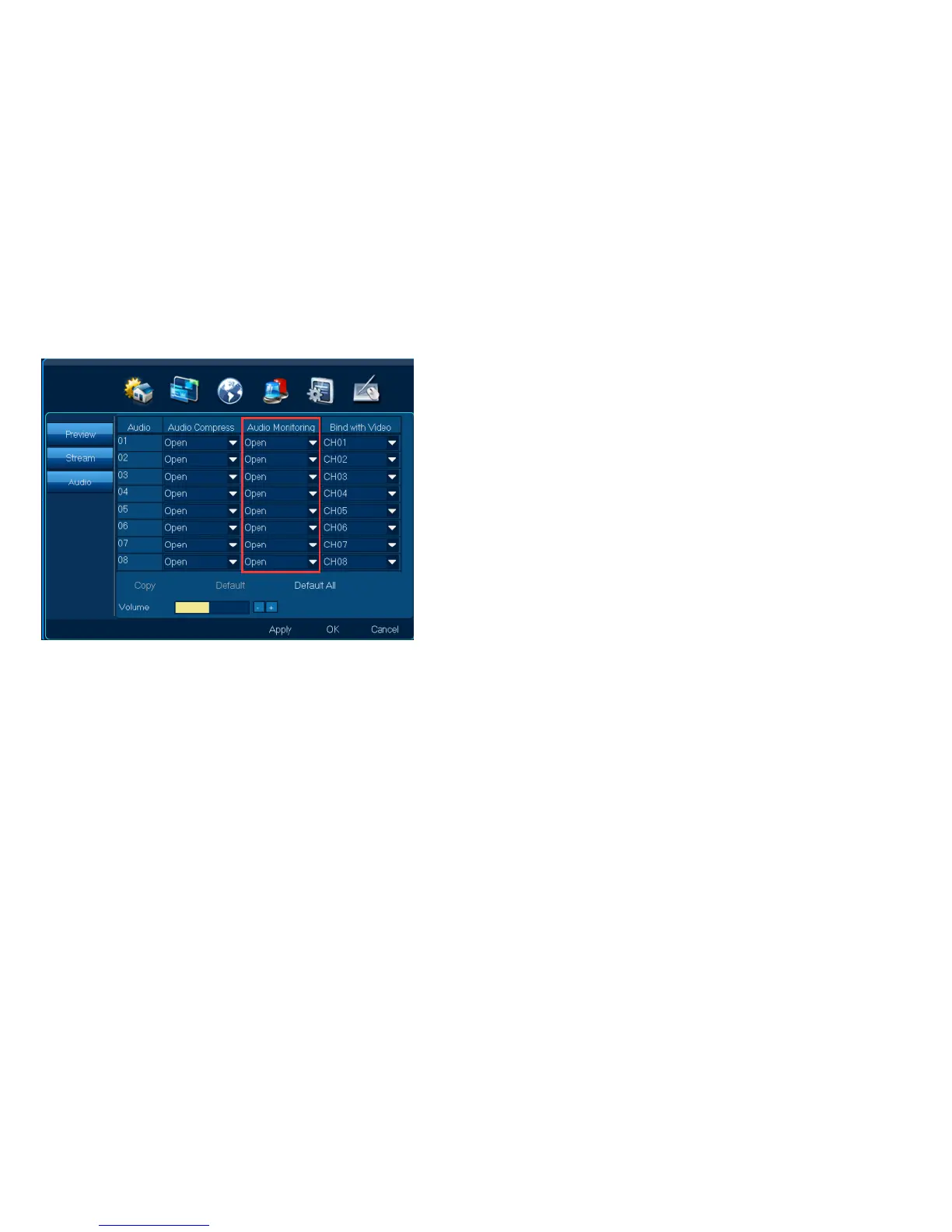
Steps:
1.Choose“Audio monitoring”, “open”;
Note:【 Copy】,other channels can have same setting
2.Click【Apply】or【ok】,connect audio out, can hear sound
3. Audio volume can be adjusted。
4.3.3.3 Bind with video
Function position:Channel| Audio| Bind with video
Function introduction: 1.Choose“Bind with video”,when see video, can hear the bind audio
2.Audio volume can be adjusted



 To Next Page