User Manual
71/183
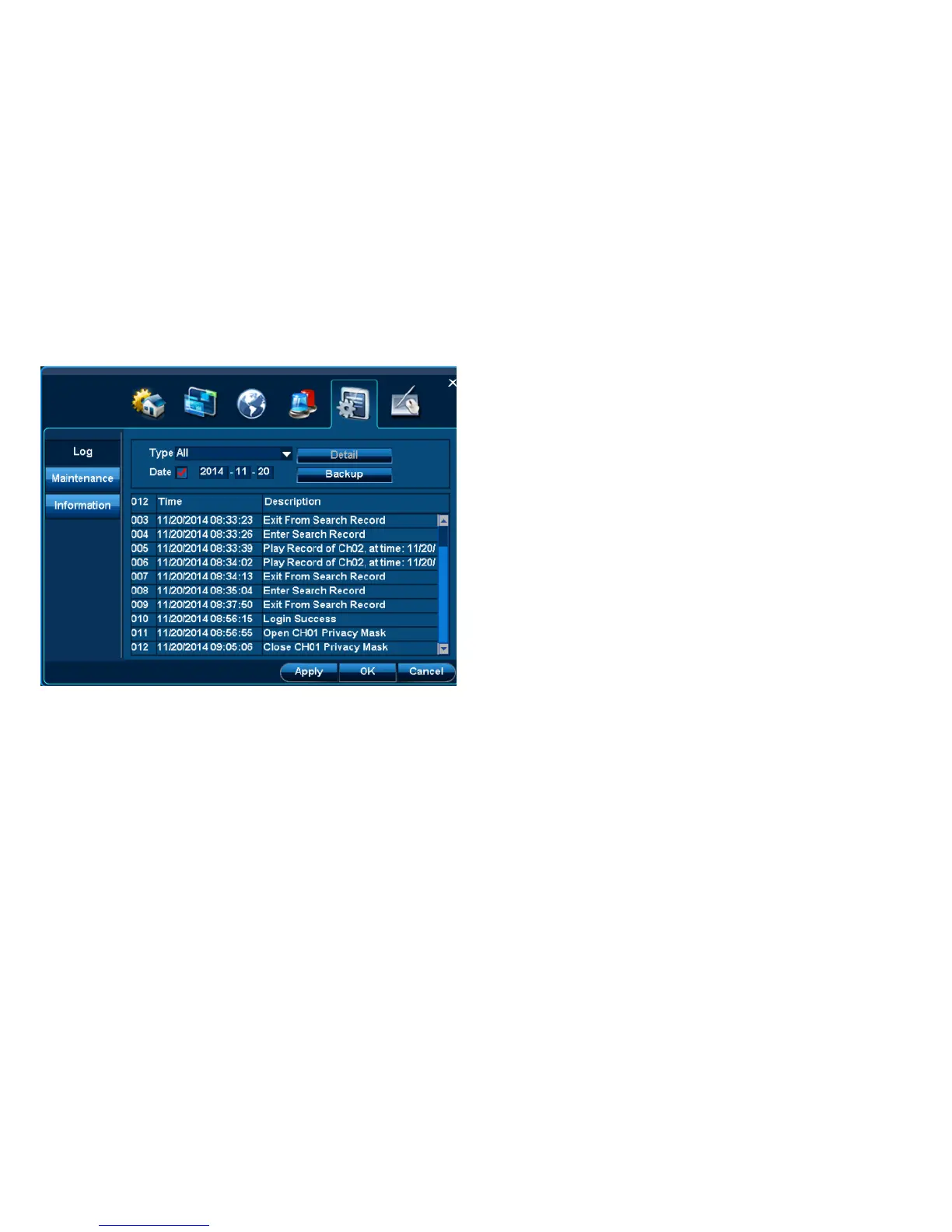
4.6.1.1 Log query
Step: Query this DVR’s log
1. Select log type, eg system operation, login, etc.
2. Change query time
Note: Don‟t select above “Time”, it will query all logs.
3. Click and select log, Single-click” Detail” to read more information.
4.6.1.2 Log backup



 To Next Page