User Manual
82/183
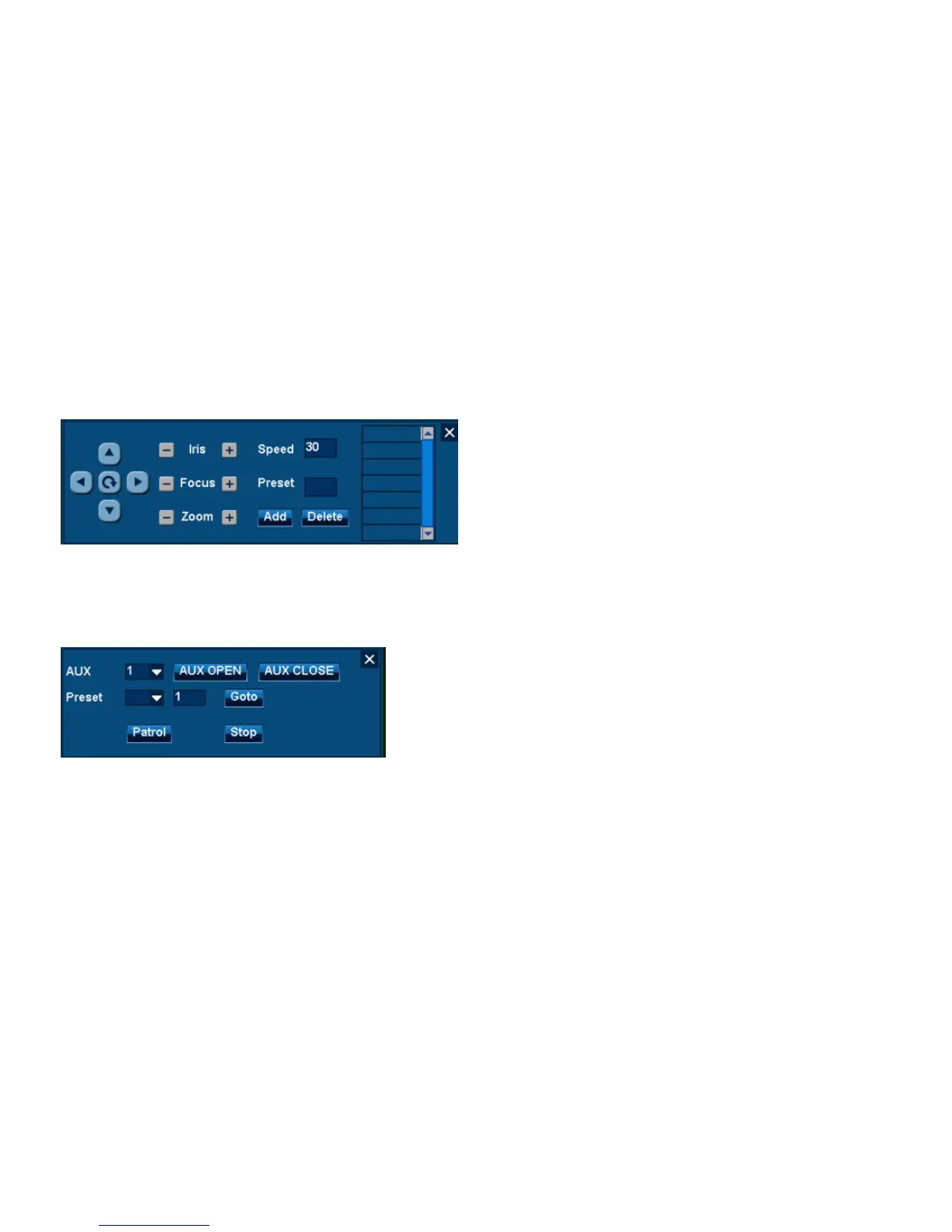
Step 2:Add presetting point
1. Click PTZ direction button and select visual angle.
2. Input new preset series number at “Preset”.
3. Click “Add” to add new preset point into the list.
Note:Click existing preset point in the list. Click“Delete” to delete selected point.
Step3:Call preset point(Menu function)
1. righ-click menu or main menu to open “PTZ control” |”More”.
2. Select preset point from preset point list.
3. Click”Goto”to make PZT visual angle turn to this point location.
4.7.2.3 Patrol



 To Next Page