106 LogTag Analyzer User Guide (2.0)
File Name
Whenever information is retrieved from a LogTag it is always automatically saved to disk.
This entry determines the method to be used to create a meaningful name of the file that
will contain the data downloaded from the LogTag.
The button at the end of the edit control (
) can be used to assist you with defining
how file names are to be created by inserting the appropriate predefined element that
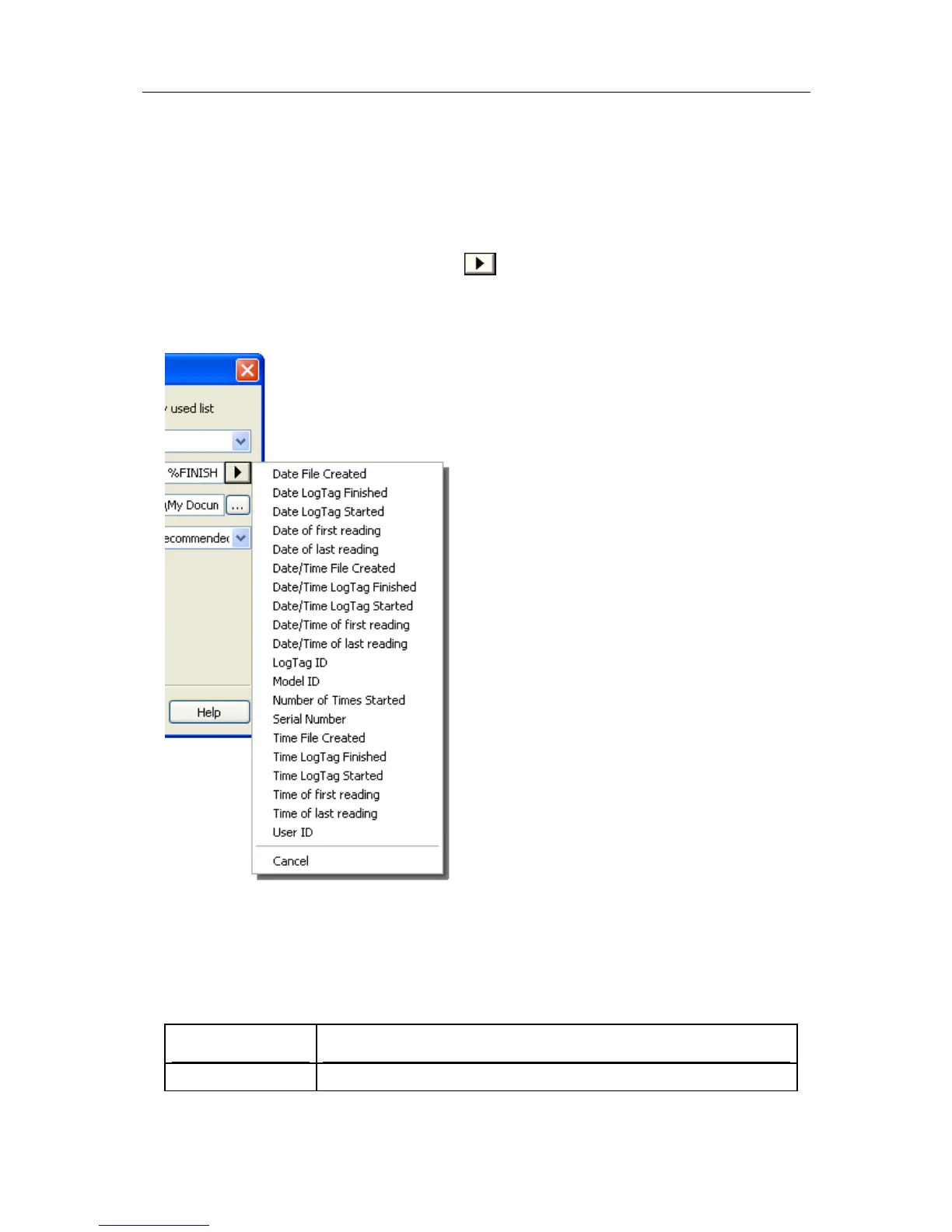
matches the information you want to use. Clicking on this button will display a popup list,
similar to the following picture to allow you select from the available elements.
To customize how the file name is created, you may use one or more of the available
elements in any order. If you use spaces to separate the elements, these spaces will
appear in the same location in the name of the file created. The letters must be in
uppercase or lowercase as shown in the following table (for example, "%ID" not "%id")
and all elements must be preceded by % if specified. Other characters that are included
will appear in the same location and unchanged in the file name creation.
Element Meaning
%DATE The date when the LogTag information was originally retrieved.



 To Next Page