Chapter 6 Customizing the software 87
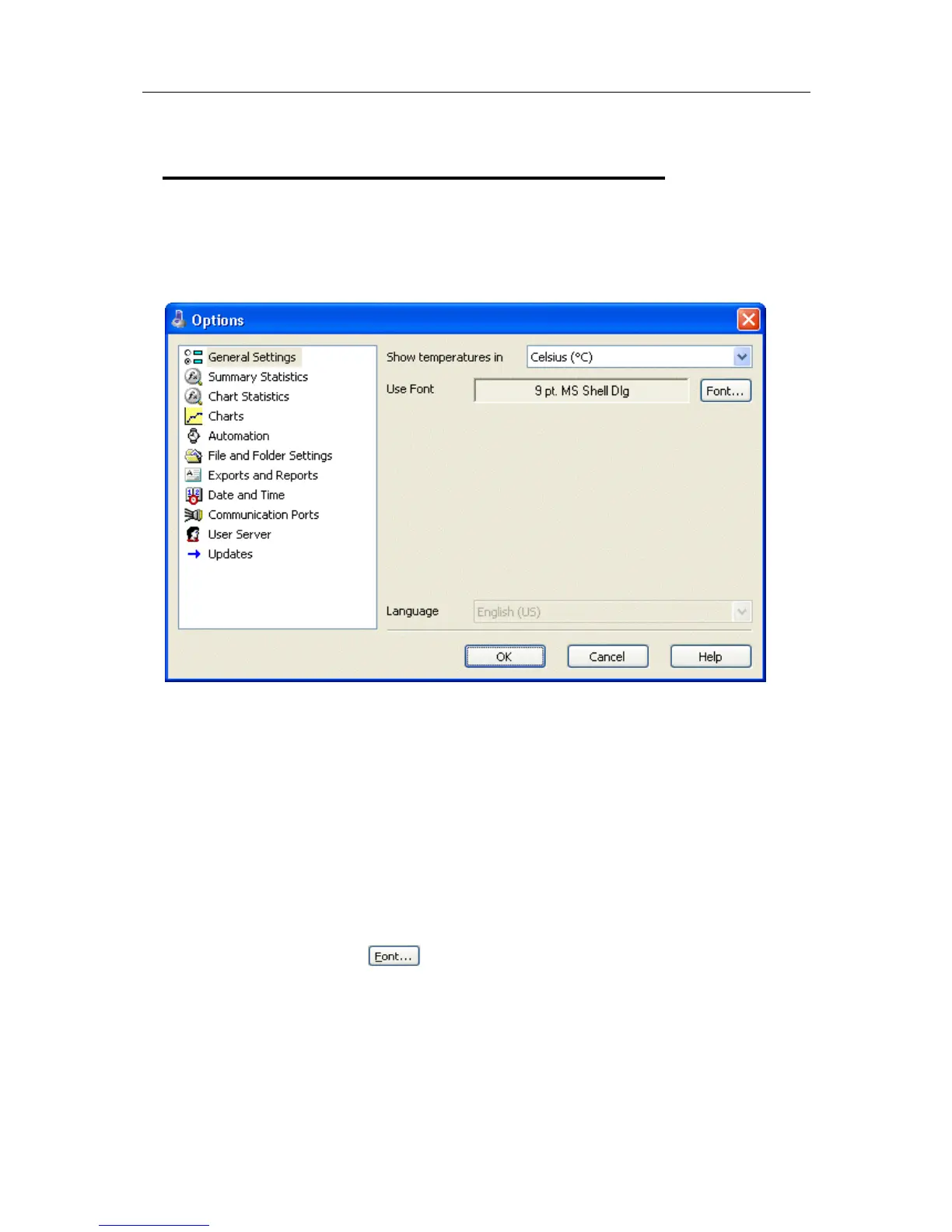
General Settings
The General Settings options allow you to change various preferences that will effect the
overall appearance of the information shown by the software.
Show temperatures in
This will determine what units of measurement temperatures will be displayed in. The
options include:
Fahrenheit (°F)
Celsius (°C)
Kelvin (K)
Use Font
Determines what font to use to display and print information about LogTag recordings
and is changed through the
button. A sample of the font selected will be shown
to you on the screen.
Language
This instructs the software which language for the software to use for all the information
it displays and prints.



 To Next Page