Chapter 10 Appendix 163
Manual USB driver installation on Windows 2000
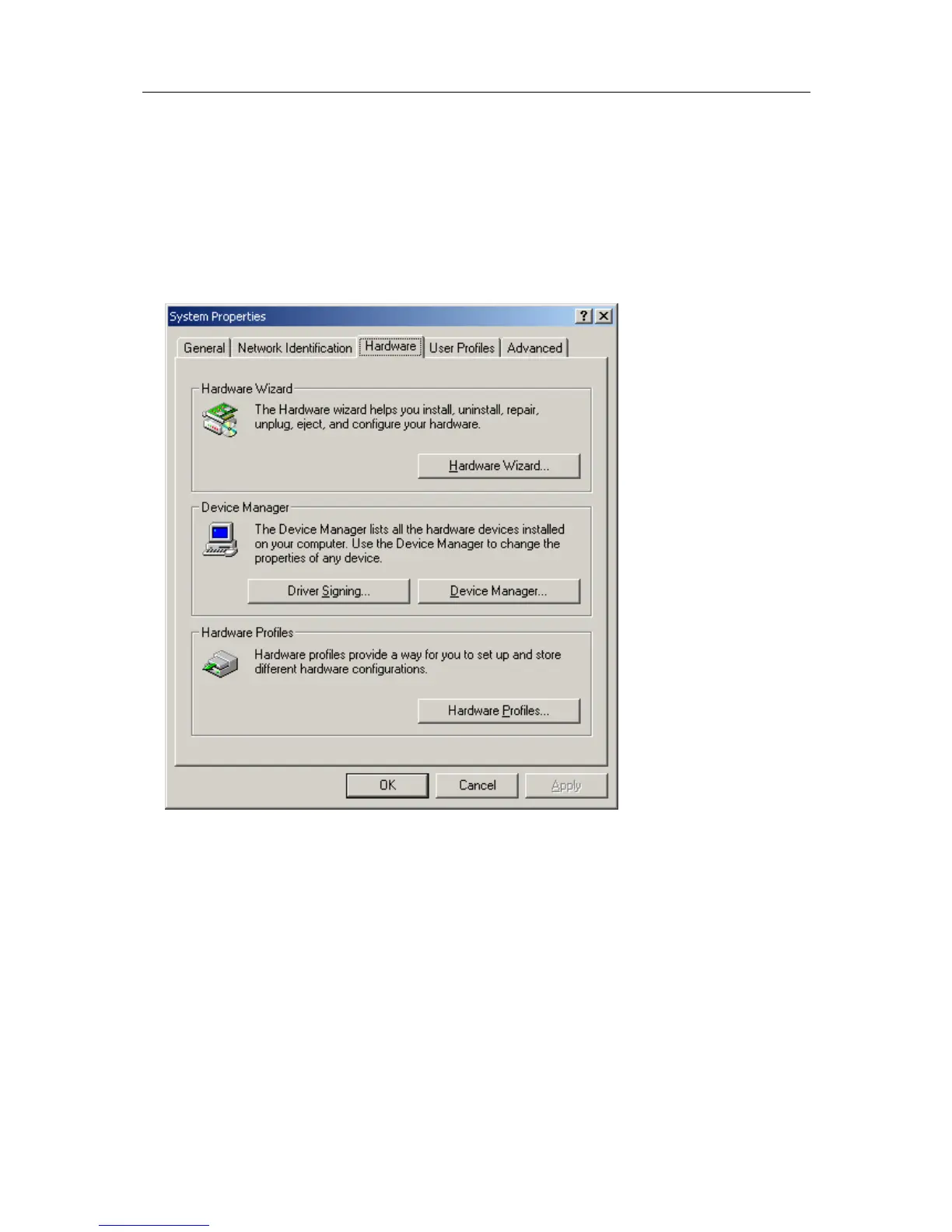
To manually reinstall the USB driver files, for Windows 2000 computers, open the "Device
Manager". The "Device Manager" can be started by opening the "System" icon, located in
the Windows "Control Panel", selecting the "Hardware" tab in the "System Properties"
window and then click the "Device Manager" button.



 To Next Page