86
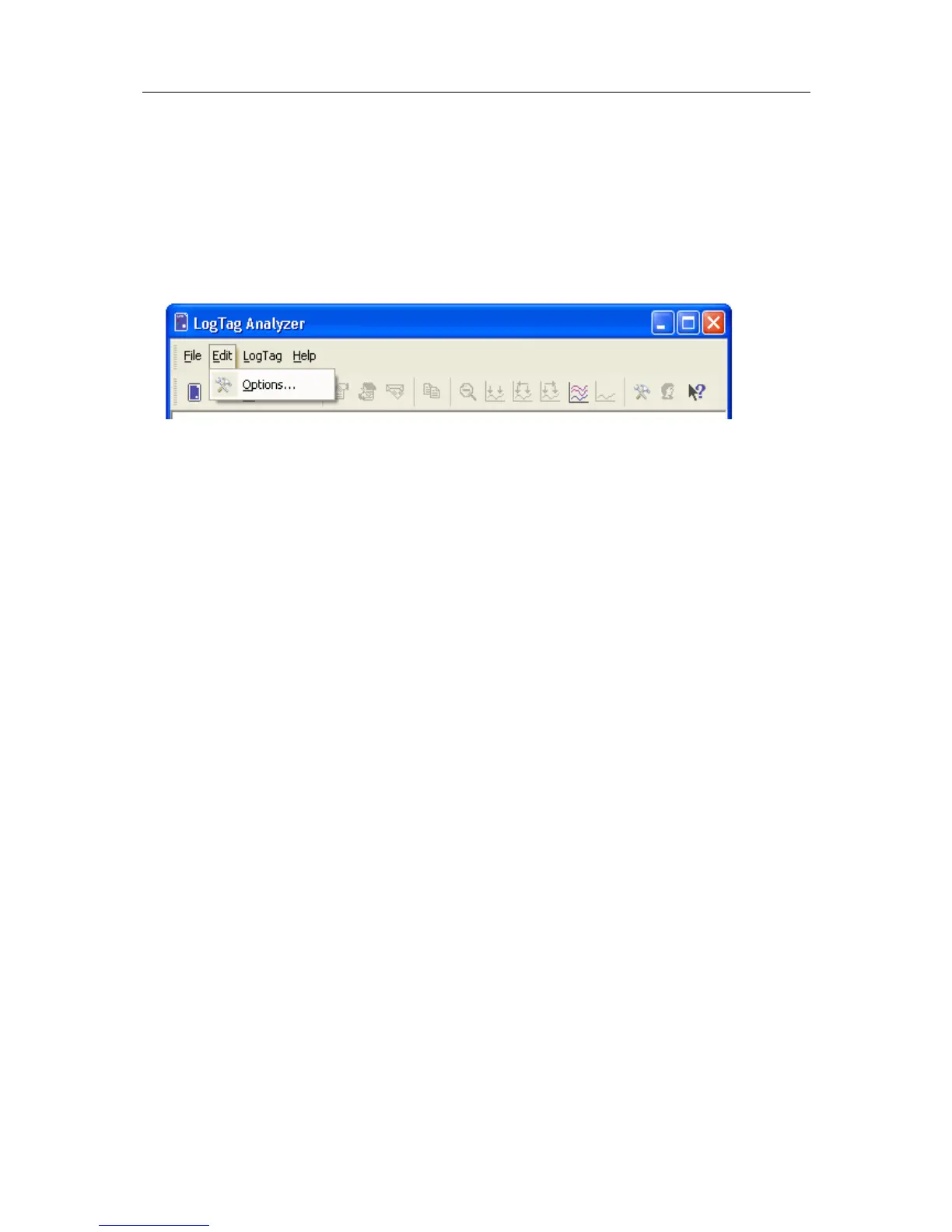
In the "Edit" menu is a command called "Options...".
This menu command opens a Window, which will allow the many of the features that the
software offers to be customized. The following sections will provide an explanation of
each of these options so that users will be able to make the best use of the software.
In This Chapter
General Settings ..................................................... 87
Summary Statistics ................................................. 88
Chart Statistics ....................................................... 89
Charts ................................................................... 90
Automation ............................................................ 92
File and Folder Settings .......................................... 105
Exports and Reports ............................................... 109
Dates and Times .................................................... 111
Communication Ports.............................................. 113
User Server ............................................................ 114
Software Updates ................................................... 115
Configuration Reports ............................................. 116
C HAPTER 6
Customizing the software



 To Next Page